
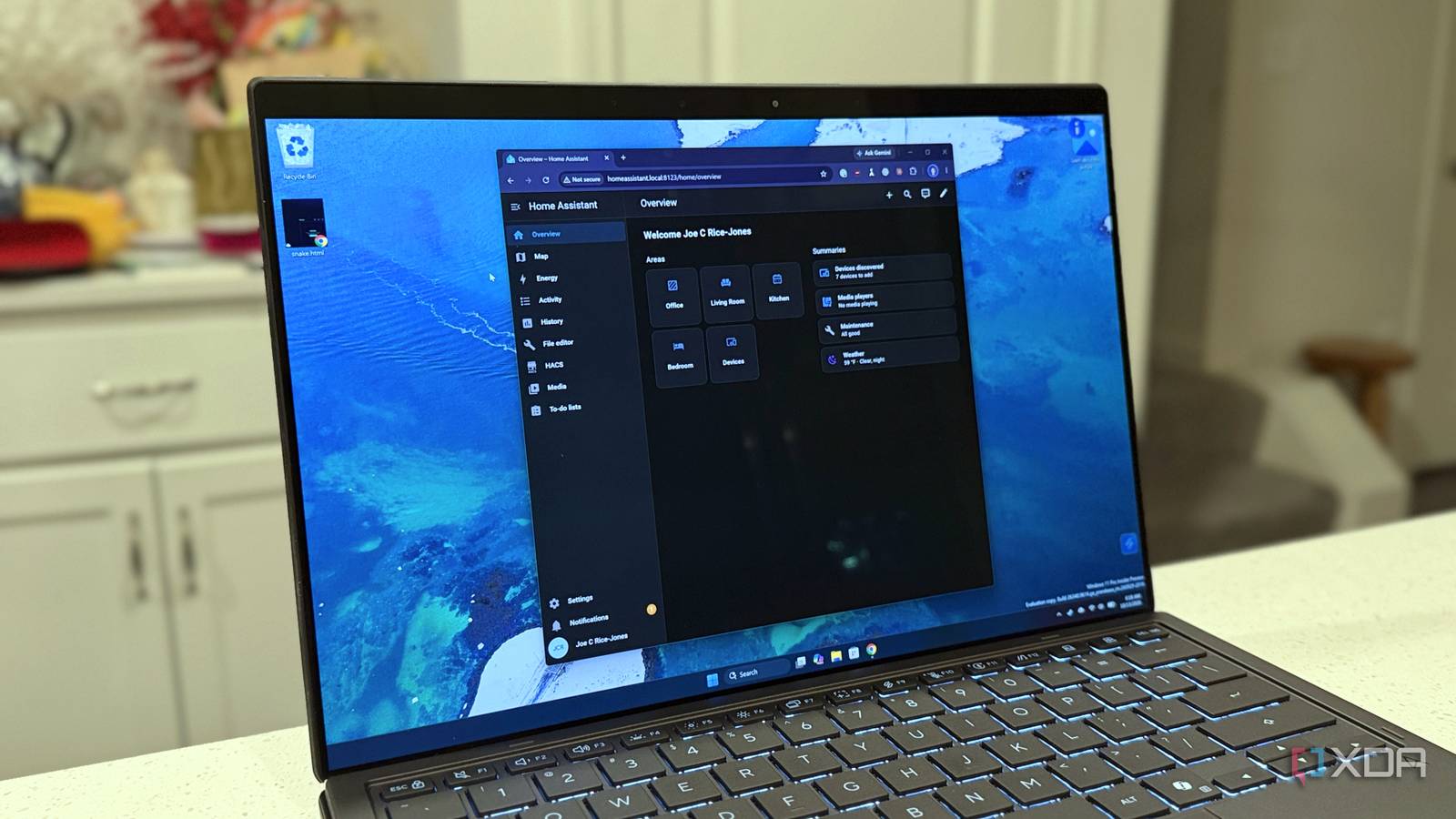
Published Nov 1, 2026, 8:00 AM EST Maker, meme-r, and unabashed geek, Joe has been writing about technology since starting his career in 2018 at KnowTechie. He's covered everything from Apple to apps and crowdfunding and loves getting to the bottom of complicated topics. In that time, he's also written for SlashGear and numerous corporate clients before finding his home at XDA in the spring of 2023. He was the kid who took apart every toy to see how it worked, even if it didn't exactly go back together afterward. That's given him a solid background for explaining how complex systems work together, and he promises he's gotten better at the putting things back together stage since then. One of the powerful features of AI tools like Claude is the MCP language, which gives them a common framework to talk to other systems. You've been able to connect to Home Assistant via MCP for a while, but recent updates made it a simple one-button affair to get your HA discoverable by your LLM. I've been using an unofficial MCP server for some time, but I wanted to see how the official one stacks up. Turning off the old one and connecting the one-click MCP was fast, checking which features it could see took a little bit longer. A short spate of testing later, and I'm happy with the results. It's safer than the older server I was using, and can handle most of the things I'd want to be able to control. The new card is one switch and a list of URLs The copy button gives you a URL Claude can't use The big news for this release isn't that there was an official MCP server, because that's existed for a while. Rather, it's that setup is reduced to a single button press, and then pasting the MCP URL into Claude or ChatGPT, so that the agent can reach out and control your smart home. Simple in thought, but it does have one snag. Claude uses the cloud instance to reach your HA MCP, and that means it needs the external URL for your server. The copy button on the MCP card gives you the local URL, which doesn't work. You'll want to grab either the external IP or the Nabu Casa URL that you use for remote access, and then you'll be connected. There are also two settings in the gear menu here, one to require an administrator account for using the MCP, and one to expose all LLM APIs. If you set up the MCP server when it first came out (as I did originally), those are both off, and you'll want to turn them on. One keeps you safer, the other gives you more things you can control. What Claude can see and control This depends on what entities you expose When I connected the MCP to Claude, I immediately wanted to see what I could reach. I asked Opus 5.5 to tell me what was available, and got a list of 23 tools. Four were read-only (live context, date and time, media search, to-do items), while the other 19 were write/delete. This includes everything from media controls to vaccuming, and all need an approval by default before they can run. I then asked Claude to show me a few things, and tested the results against the dashboard. It could tell me air quality metrics, the level of toner in my printer, when a backup was last run, and to control a Matter smart plug. It could also add things to a shopping list, but not remove them for me. Other good news, it never claimed a command worked if it couldn't see the result. The only minor issue was the smart plug not actually changing state to begin with, but that seemed to be a pending Matter Server update in HA, and it worked after that. New entities get exposed to Claude control by finding the device and toggling Assist on in the Voice Assistant menu. That's a slightly awkward place for it to go because it's not really a voice assistant, but it's close enough that putting it on the Alexa and Google Assistant settings page makes some level of sense. It can't do everything, and that's a good thing Claude can write automations but you have to paste them in The things that the MCP server can't show to Claude make sense to me. You can't read logs, history, or the settings pages. And you can't get Claude to automatically add automations for you. What you can do is ask for automations to be written based on the sensors and devices that Claude can see, and it'll give you YAML to paste into HA manually. I actually prefer this, and only partially because it's safer. It also gives you YAML that you can read, which eventually teaches you how HA expects automations to be written. The new automation builder in HA is great, but some things are easier to do in YAML, and being able to see the syntax helps. Or at least, it helps me. If you're not a visual learner, then it might not help you learn, but then the safety aspect is still there. If you want Claude to create things on your behalf, you'll need a third-party server. Home Assistant went for the safe option, and considering this is to control your smart home, that's the wise choice. One click made my Home Assistant installation easier to manage It's not often that a single button makes your life easier. The new MCP server in Home Assistant takes seconds to enable, and it's scoped to only allow control of the things you enable. It also doesn't have unilateral control over automations and other parts of HA that you'd perhaps prefer to stay in charge of, while still being able to read sensor names and other data to help you draft automations and other tools. That gives you a natural language path to controlling your smart home, in whatever way you're comfortable.
Claude can run my Home Assistant setup now, and it only took one click to set up
Full Article
Original Source
Read the full article at Xda-developers →KhanList aggregates and links to publicly available news content. We do not host full articles from third-party sources. Always verify important information with original sources.