
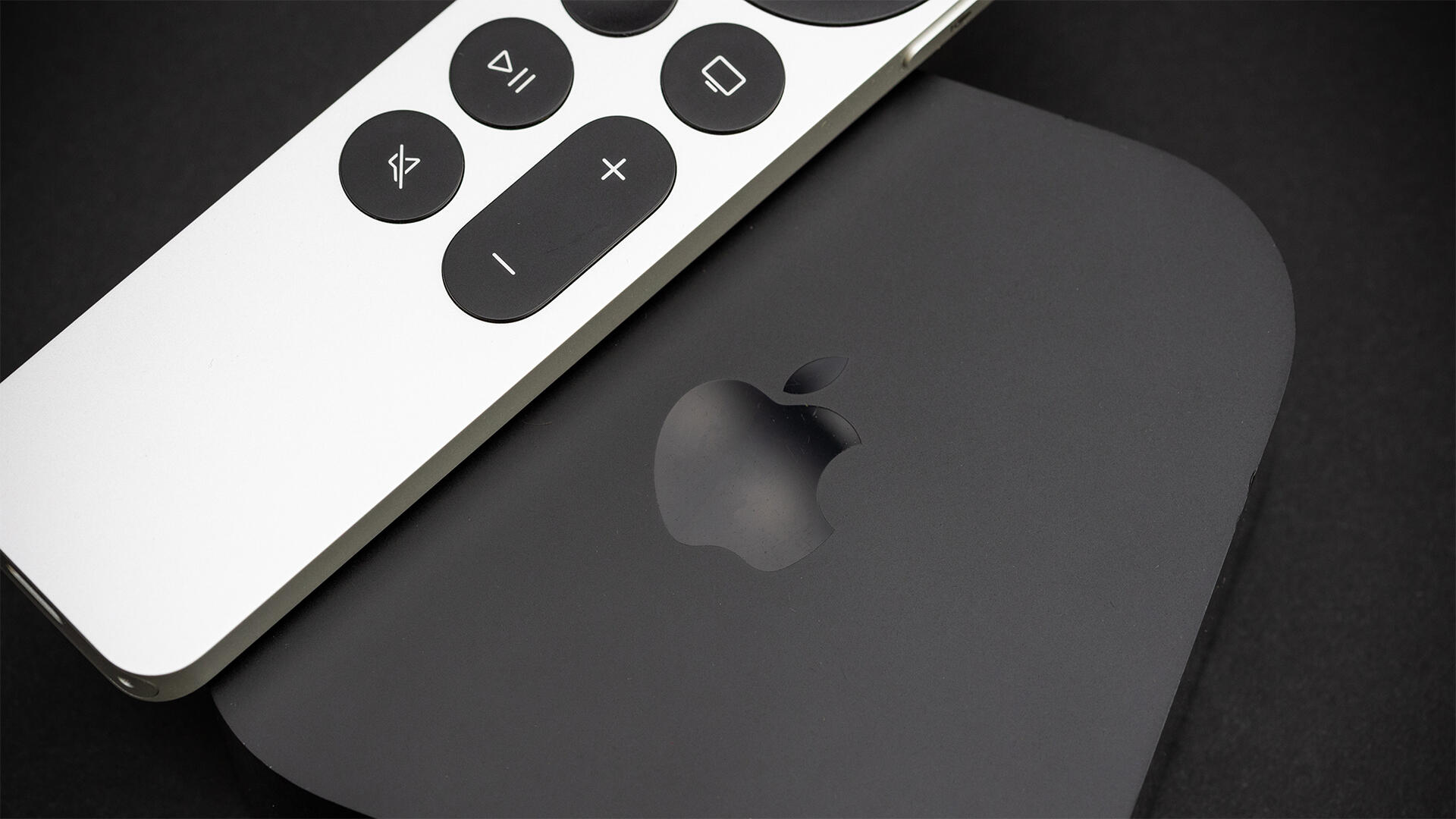
Good news for those of us who always scrabble through couch cushions to find the TV remote. Apple has expanded Find My tracking to older Siri Remotes via its latest iOS release. While initially highlighted as a perk of the newest Apple TV, the functionality now extends to second-generation Siri remotes from 2021 and later, enabling iPhone owners to locate misplaced remotes with a few taps. Also read: Best Streaming Device for 2026 Previously, you could find your Siri remote in Control Center, but this change lets you see it alongside all your other Apple devices. Head to the Devices section in the Find My app, and any Siri Remotes in your system should appear. Tapping Find will give you a radar screen, as with any other Apple product, and should help you locate your clicker. The new Siri Remote takes tracking a step further with full Precision Finding, pointing you directly to the item’s hiding spot rather than just estimating its proximity. It also adds a built-in speaker that plays a chime, plus onboard microphones on the Apple TV itself, so you can locate the remote hands-free with a quick voice command. The new Apple TV 4K hits shelves on Nov. 13 at a steep $300 — a sharp departure from earlier generations, which historically ranged between $129 and $199. Meanwhile, budget rivals like Roku and Amazon continue to sell streaming hardware for as low as $30.
Can’t Find the Siri Remote? Your iPhone Can Now Lead You Right to It
Full Article
Original Source
Read the full article at Cnet →KhanList aggregates and links to publicly available news content. We do not host full articles from third-party sources. Always verify important information with original sources.