
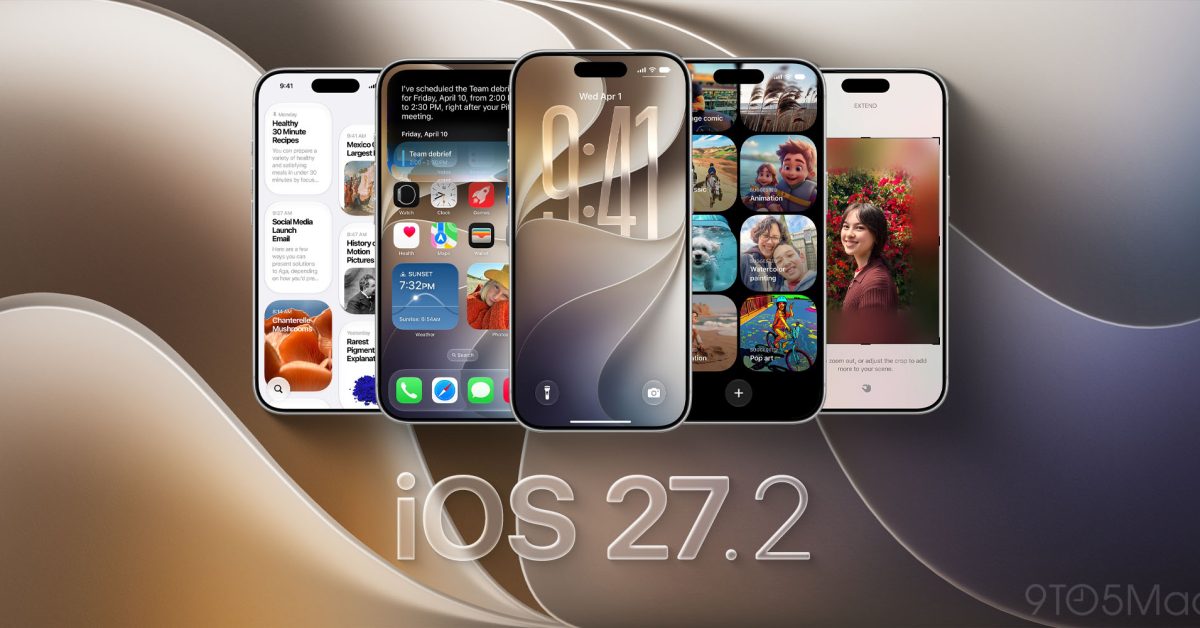
Apple has officially released iOS 27.2 for iPhone. The update brings a new look to Apple Music, more Siri AI languages, changes to Messages and Podcasts, and Apple Pencil support for iPhone Duo. Here’s what’s new. Release notes Siri AI (All iPhone 16 models and later, iPhone 15 Pro, iPhone 15 Pro Max) Siri AI can recall your past conversations, so you can ask Siri about something it told you before, like the restaurants it recommended last week Siri AI can draw from more sources to give you a great answer, including photos attached in Messages, Calendar event attendees, your voicemails, and better results from Safari history and Reading List Excluded Apps lets you choose which apps Siri, Search, and suggestions can access, all from one setting Granular text selection lets you select and copy just the part of a Siri response you need Siri AI is available in more languages, with support for French, Japanese, Korean, Portuguese, and Spanish. Siri AI is not available in the EU or mainland China Other Suggestions in Messages help you take action based on the context of your conversations, like adding a Calendar invite for a dinner Shared Albums in Photos adds the ability to edit captions and comments, to avoid adding duplicate photos, and can display a reminder before albums expire so participants can save important photos and videos Support for SynthID watermarking to help identify whether an image was generated or modified with generative tools in Photos and Image Playground The Home tab in the Podcasts app offers two separate sections for New Episodes and Continue Playing, letting you find the latest updates from your shows and then pick up where you left off Friends tab in the Games app provides context on friend suggestions and shows recent games played on friends’ player pages Simple Profiles in the Apple TV app lets everyone in your household have their own profile, with recommendations that fit what they like to watch FaceTime supports adding a third party sign language interpreter or live captioner to a call Here’s what we’ve seen from testing as well. Apple Pencil support for iPhone Duo iPhone Duo gains support for Apple Pencil with iOS 27.2. Apple originally announced the feature as coming later this year, and it’s arriving with this update. There is one detail to keep in mind: iPhone Duo works with Apple Pencil (USB-C). Apple Pencil Pro and other Pencil models aren’t supported. More on Apple Pencil support. Apple Music gets a new look Apple Music has a new black-and-white app icon that replaces the familiar red design. Inside the app, blue replaces red as the accent color for the selected tab. Apple has also refreshed Music widgets with black backgrounds. More on the Apple Music changes. Messages, Podcasts, and Apple TV updates Messages gains Suggested Actions, which offer shortcuts based on the conversation. A message about plans, for example, can include an option to create a calendar event or reminder. Settings also lets you control which types of suggestions appear. Apple Podcasts separates new episodes from episodes you’ve already started. New Episodes and Continue Playing give each category its own place on the Home tab. The Apple TV app also adds profiles on iPhone, letting users keep their viewing history and recommendations separate. More on the app updates. More Siri AI languages and Group FaceTime Dual Capture Siri AI adds support for French, Japanese, Korean, Portuguese, and Spanish. Meanwhile, Dual Capture expands to Group FaceTime. The feature lets you share views from the front and rear cameras simultaneously. More on these additions. New Home controls The Home app adds Lock After Closing and Door Left Open options for compatible smart locks. These let you automatically lock a door after it closes or receive an alert if it stays open too long. More on the smart lock features. HomePod owners also gain a Lock Controls setting after updating both their iPhone and HomePod to 27.2. This prevents unwanted taps from starting audio, while preserving touch responses for features like timers and alarms. More on HomePod Lock Controls. What about the new Health app? Apple’s redesigned Health app appeared in earlier iOS 27.2 betas, but Apple removed it before release. The upgrade is still planned for later this year. More on the Health app release timing. You can install iOS 27.2 by opening Settings > General > Software Update on your iPhone. FTC: We use income earning auto affiliate links. More.
Apple releases iOS 27.2, here’s what’s new
Full Article
Original Source
Read the full article at 9to5mac →KhanList aggregates and links to publicly available news content. We do not host full articles from third-party sources. Always verify important information with original sources.