
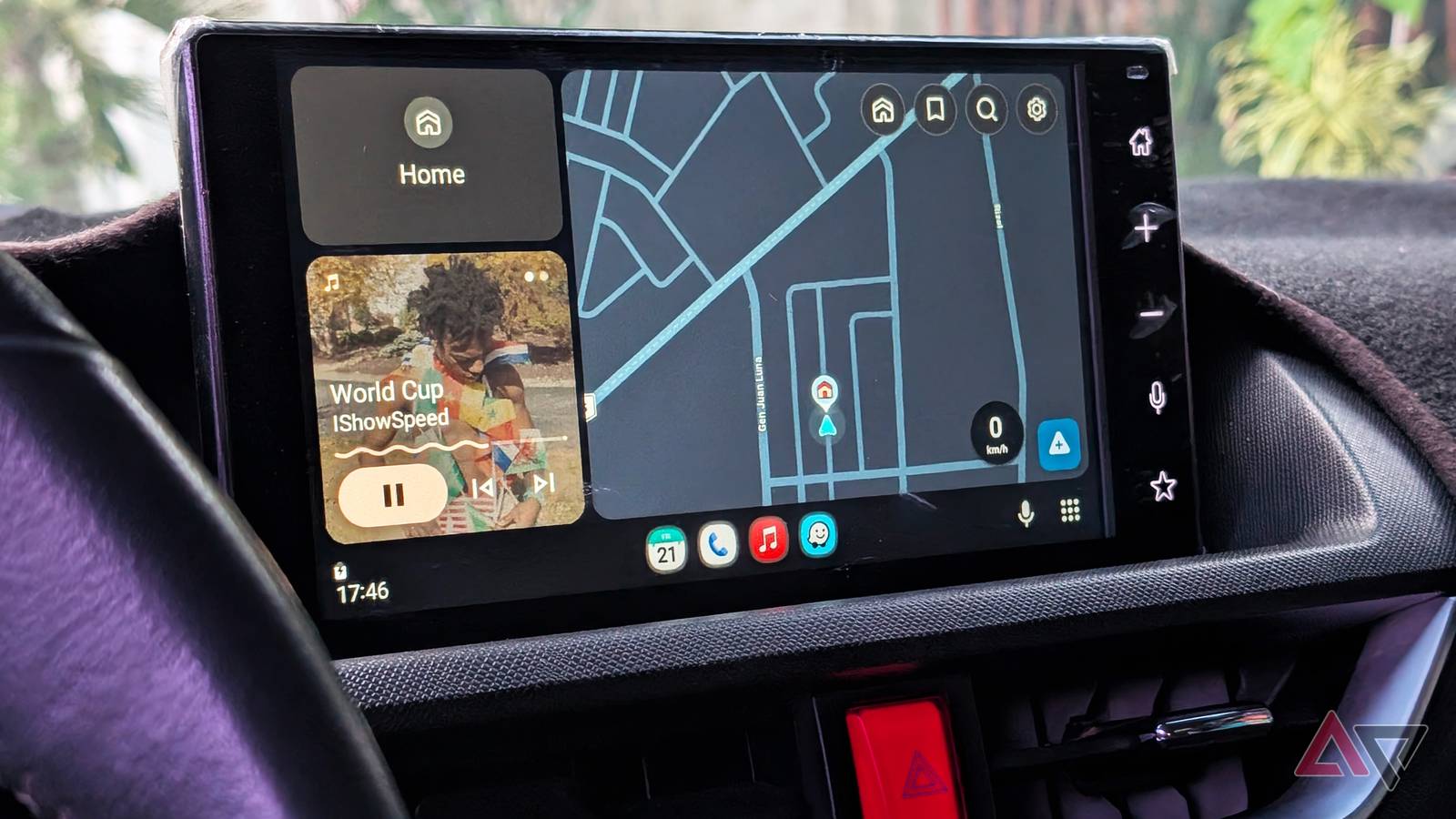
Published Sep 8, 2026, 5:58 PM EDT Timi is the news and deals reporter for Android Police, who has been reporting on technology since 2008. He has worked in tech retail and also the IT space, providing hardware and software support, which gives him a unique perspective on the tech that he covers. This allows him to effectively break down complex subjects into easy-to-read pieces that even casual readers can enjoy. Before joining Android Police, he was a news writer for XDA, where he eventually transitioned to covering deals. He also worked as an editor and reporter for Neowin, where he covered news and attended major tech events like CES. He also reviewed phones, tablets, PC products, and other devices. In addition, he also created video content for the Neowin YouTube channel. Sign in to your Android Police account If your live speedometer reading on Google Maps with Android Auto is now missing, you aren't alone. Folks on Reddit are complaining that the feature has vanished, and many are left asking questions (via Android Authority). Here today, gone tomorrow Google products are great for the most part. But if you're someone who's lived with its products and services, you'll know that things can change in an instant. So something small, like a missing speedometer in Google Maps during your drive with Android Auto can have a huge impact once you've gotten used to it. The user on Reddit also explains that added visual touches like visible stop signs and signals are also missing from Google Maps now. Of course, judging from the comments in the Reddit thread, some have never even seen these things. Others had mixed experiences. Most folks have at least seen the speedometer feature pop up during routing. If you weren't really clear on what's missing here, some users were able to see the speedometer without entering a navigation session. This feature was added to Google Maps back in July, so it's still relatively new. Although this is a pretty common feature in most navigation apps, Google was really late to the party. It's a nice feature because it not only shows your speed, but can also warn you if you're going too fast. Of course, while it is convenient, some would recommend using the vehicle's built-in speedometer for the most accurate reading. Others claim the GPS method is more accurate. Regardless, just be mindful of your speed when traveling. If you want to try and sidestep this graphical issue, you can always go into the app's settings and clear the cache and storage data. That's a common fix and usually works for most apps experiencing minor issues. If that doesn't fix it, you'll just have to wait for an update to roll out. We don't think this will raise huge flags, but hopefully someone at Google is working on bringing the feature back. We've reached out to them for clarification. If we hear back, we'll update this story with more information. If not, you'll just have to wait it out like usual. As I said before, it's convenient to have and works pretty well. Maybe this time it will get around to a wider release. Rolling out features is great, but we've seen Google struggle for years to get them to everyone.
Android Auto's Google Maps speedometer is gone—and it's taking stop signs with it
Full Article
Original Source
Read the full article at Androidpolice →KhanList aggregates and links to publicly available news content. We do not host full articles from third-party sources. Always verify important information with original sources.