
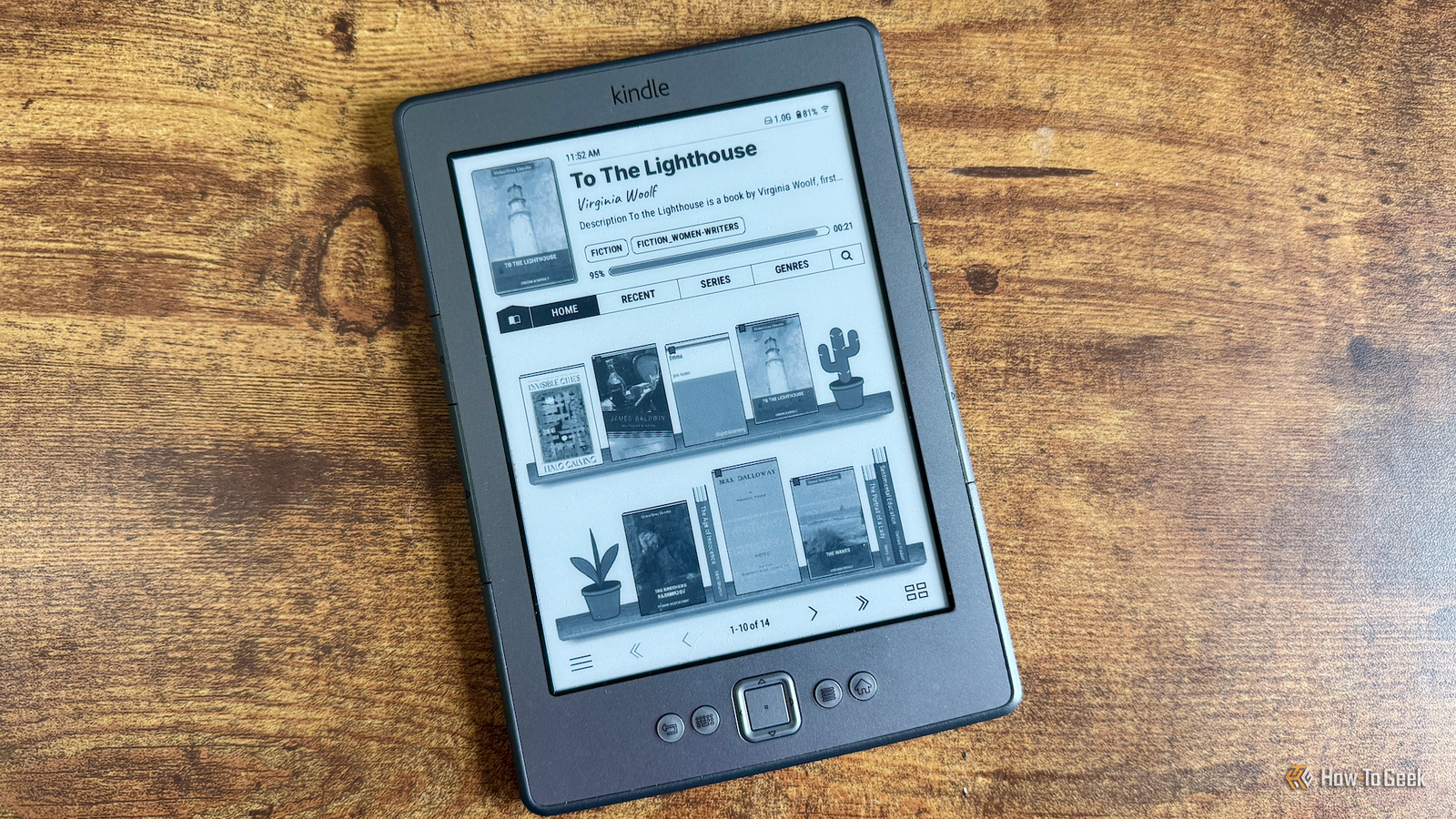
Published Nov 7, 2026, 8:30 AM EST Adam has a degree in Engineering and has a life-long interest in technology. He has been writing for over a decade for various print and online publications, with a focus on consumer tech. He joined How-To Geek in 2024 while working at Pocket-lint. As well as being a long-term fan of Apple products, he also has a strong interest in smart home tech, running a Home Assistant server at home to automate all his smart home devices. He believes that the ideal smart home should work with minimal interaction from the user, with automations running as if by magic rather than requiring you to push buttons on a control panel. You can find more of his work on Muck Rack. It's a sad fact of life that perfectly usable hardware often becomes unusable when the manufacturer stops supporting it. My fourth-generation Kindle has served me well for more than a decade, but Amazon decided to drop support for older models, and I lost access to some of the most useful features. By jailbreaking my Kindle, I've managed to bring a lot of them back. The Kindle Store is no longer accessible You can use OPDS to browse and download books instead A Kindle is nothing if you don't have any books to read on it. In the past, I was able to browse books on my Kindle and make purchases through my connected Amazon account. I could then download the books and read them on my Kindle. This is no longer possible on my Kindle 4, or on any Kindle model from 2012 or earlier. However, by jailbreaking my Kindle and installing the excellent KOReader software, I was able to partially replicate the missing feature. KOReader has a built-in Open Publication Distribution System (OPDS) browser. OPDS is a standard for searching and downloading eBooks from online sources. You can use the OPDS browser in KOReader to search for books and download them from various sources. For example, you can use the OPDS browser in KOReader to connect to Project Gutenberg or Standard Ebooks to browse huge collections of public-domain classics. You can also access archives such as the Internet Archive, which contains historical books, scanned publications, and more. OPDS can't replicate the ability to browse and buy the latest novels in the Kindle Store. It's not really designed for making purchases. For free books, however, it's a great option. Send to Kindle won't work anymore KOReader and Calibre can get books onto your Kindle wirelessly If the books that you want to read aren't public domain, then you might consider purchasing DRM-free copies from other eBook sites and uploading the books onto your Kindle. The problem is that Amazon has also stopped supporting the Send to Kindle feature for older models. In the past, you could use Send to Kindle to transfer books wirelessly to your Kindle, through options such as sending a book to your Kindle email address. The book would then appear on the Kindle for you to read. This feature will now no longer work. Instead, I use Calibre-Web, a web-based interface for my self-hosted Calibre library. My eBooks live on my home server, and I can browse the books from Calibre-Web on my Kindle using OPDS. Whenever I buy a new DRM-free eBook, I can upload it to Calibre, and then search for it and download it on my Kindle whenever I'm ready to read it. No need for emails or USB cables. Whispersync isn't supported You can synchronize books across devices with KOReader Sync Server If you have more than one Kindle or use the Kindle app on your phone as well as a Kindle eReader, then you'll probably be aware of how useful Whispersync is. Whispersync is Amazon's cloud sync service that allows you to read a book on one device, open another, and pick up reading from exactly the same place. For older Kindles, this service is no longer available. On my jailbroken Kindle, I've been able to replicate this feature using the open-source KOReader Sync Server, which I host on my own hardware. I can sync what I'm reading on my Kindle to this server, and when I open the same book on another device, such as my tiny Xteink X3 eReader, I can pick up from the same place. This is actually better than the Whispersync feature that I've lost. Whispersync is only available for the Kindle ecosystem, so you can't sync books across other branded devices. With KOReader Sync Server, I can sync back and forth between my Kindle and my Xteink eReaders without any issues. Kindle library borrowing is gone Free eBook catalogs offer an alternative Project Gutenberg As well as purchasing books from Amazon, with a Kindle you can also borrow books through schemes such as Kindle Unlimited and Prime Reading. You don't get to keep the eBook, but you can borrow it until you've finished reading. This feature has also been removed from older Kindles, but you can still get books from alternative sources. Sites such as Project Gutenberg have large collections of DRM-free books that you can download and read in KOReader. In the past, it was also possible to use Libby with KOReader, so that you could borrow eBooks from a library and read them on your jailbroken Kindle. Unfortunately, the plugins that made this happen aren't currently working, and even if you download files, you may not be able to open DRM-protected eBooks in KOReader. My old Kindle still has plenty of life left in it I was very annoyed when Amazon decided that my perfectly working Kindle would no longer be supported, but it's been a blessing in disguise. By jailbreaking my Kindle, I've been able to make it do so much more than the native software ever could, and I've been able to replicate most of the key features that I'd lost.
Amazon took the best features away from older Kindles—here’s how to get them back
Full Article
Original Source
Read the full article at Howtogeek →KhanList aggregates and links to publicly available news content. We do not host full articles from third-party sources. Always verify important information with original sources.