
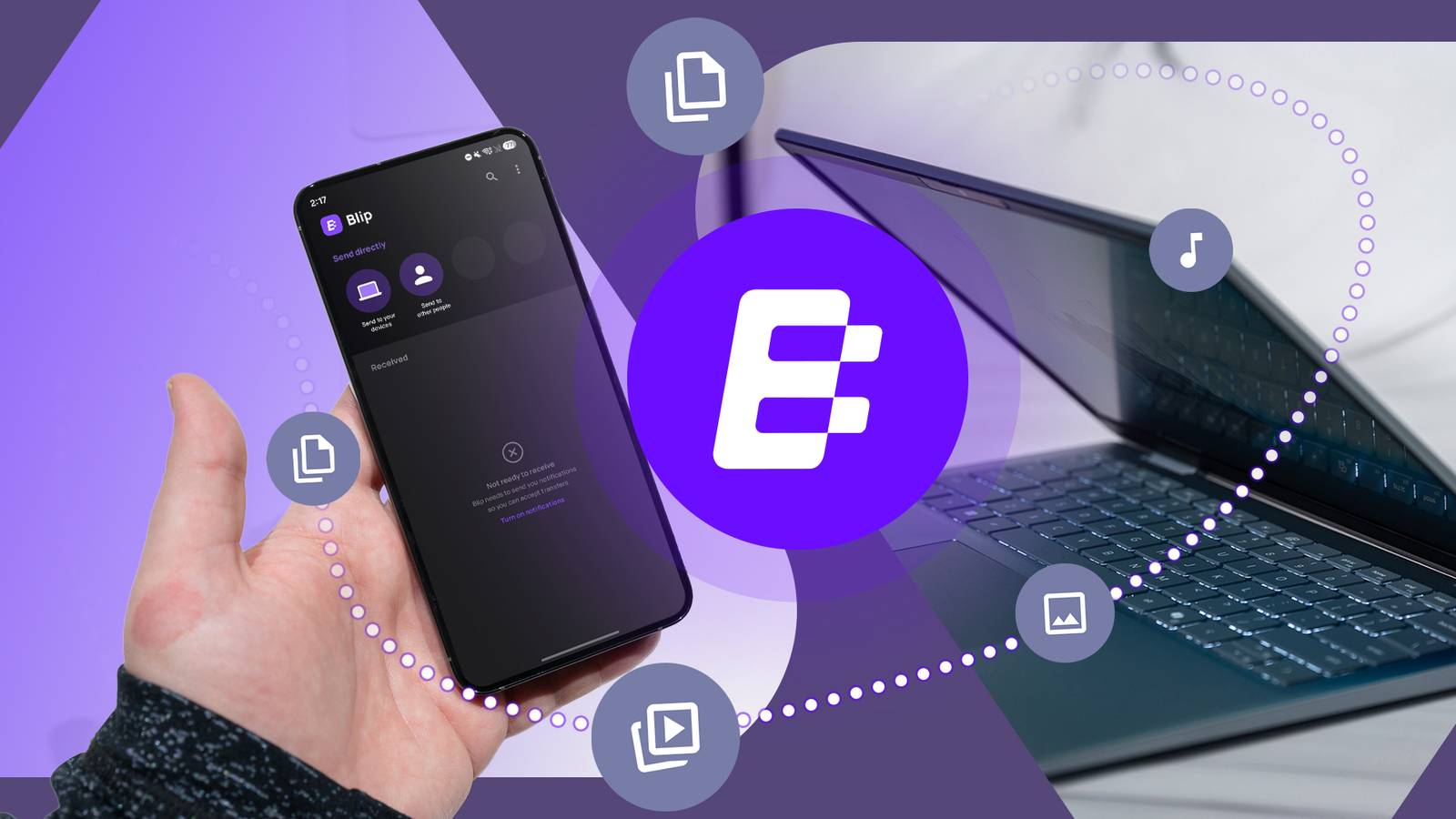
Published Aug 30, 2026, 7:01 AM EDT Akshay Bhalla was the former game guides editor for Screen Rant and the technology editor at MensXP. He has previously written about smartphones, apps, streaming, gadgets and games for print, digital, and TV media outlets. When he isn’t writing about tech, he can often be found playing JRPGs, listening to music or playing with his three dogs. Transferring files between my phone and other devices can be a pain, especially when I don't want to use Google Drive. Google has been pushing its One subscription and offering very little storage for free-tier users. But if I only need to send files to other devices, I don't need to rely on Google Drive. I found an app that fulfills my requirements and is free to use. Blip is the new way I transfer files between devices Send files from anywhere I initially used Google Drive to transfer files between devices, especially when I didn't have a USB drive on hand. It was a convenient way to back up certain files or transfer data for one-time use cases. But Google Drive comes with slow download and upload speeds and storage limits. I face the same problem when sending larger files via email or WeTransfer. Other solutions, such as Quick Share, require me to be physically near the other device, which isn't always possible. That's when I came across a free app called Blip, which lets me send very large files from one device to another. What's different is that Blip doesn't upload my data to a server; instead, it uses a peer-to-peer approach to upload data to other devices that is end-to-end encrypted. Not only did I find this method better, but it also let me avoid storing my data on a third-party server that is vulnerable to breaches. This method might not seem impressive at first, but imagine applying this to your own workflow. In my case, I use this most to transfer images between my phone and laptop. The method saves me a lot of time, as I can edit images without waiting for them to upload or download. Setting up Blip is very straightforward Plug & Play Credit: Lucas Gouveia / Android Police Blip works across most platforms, and setting it up on each device is easy. I can upload my data to another Android device, my Windows Desktop, MacBook Pro, or iPad. Thanks to Blip, I have full freedom to transfer between platforms without using any proprietary app. Blip doesn't currently support NAS (Network Attached Storage) platforms like Synology. Setting up and using Blip is a plug-and-play experience. I didn't have to worry about syncing folders or using any networking settings to get it going. The only thing I needed to do was install the Blip app on every device and sign in with the same account. Blip automatically listed all of my devices, and I could upload files right away. I could easily send multi-gigabytes of data without worrying about a service in the middle. What's neat is that transferring files when all my devices were on the same network was superfast and took only a few seconds. But what made Blip especially useful was that I could transfer files remotely. For example, when I want to send gigabytes of images to my MacBook, I can send them from the middle of the road, and with auto-accept enabled, they are downloaded automatically. Since my device doesn't support AirDrop, it was the easiest way to send data between my MacBook and Android phone. This method saved me a lot of time, as I didn't need to upload anything first and download it again on my other device. Unlike Google Drive, Blip is transparent about transfer speeds and doesn't leave me guessing. When I upload a file, I can clearly see the progress bar showing the percentage and upload speed, and it notifies me when the transfer is complete. Blip is becoming my favorite way to send one-time files across devices. It removes the need to juggle multiple tools such as LocalSend, Quick Share, and AirDrop. I also no longer have to depend on cloud services and their slow speeds, since Blip does a better job and doesn't require a subscription. While I use Blip to send specific files, I don't recommend it for automatic backups. Google Drive is still a great solution for automatic backups, but if you're like me and want to de-Google, there are open source alternatives. I like to back up data with Syncthing because it's free, works with my NAS, and is similar to Blip. It's not all perfect, though; I have encountered one recurring issue while using Blip. File transfers between my Android device and iPad have repeatedly failed, which can get annoying over time. It's not a problem I faced with macOS, but I'm guessing transferring files to iOS devices can be annoying. Blip changed my workflow for the better I now use Blip across almost every one of my devices to send files when I'm working or out and about. I wish it supported NAS devices, but for now it gets the job done. It's a better alternative than paying for a Google One subscription and dealing with slow transfer speeds when transferring large files. I recommend trying Blip, especially if you have devices across different platforms. It's free to use for consumers and doesn't have ads.
After years of slow Google Drive file transfers, I ditched it for this free cross-platform app
Full Article
Original Source
Read the full article at Androidpolice →KhanList aggregates and links to publicly available news content. We do not host full articles from third-party sources. Always verify important information with original sources.