
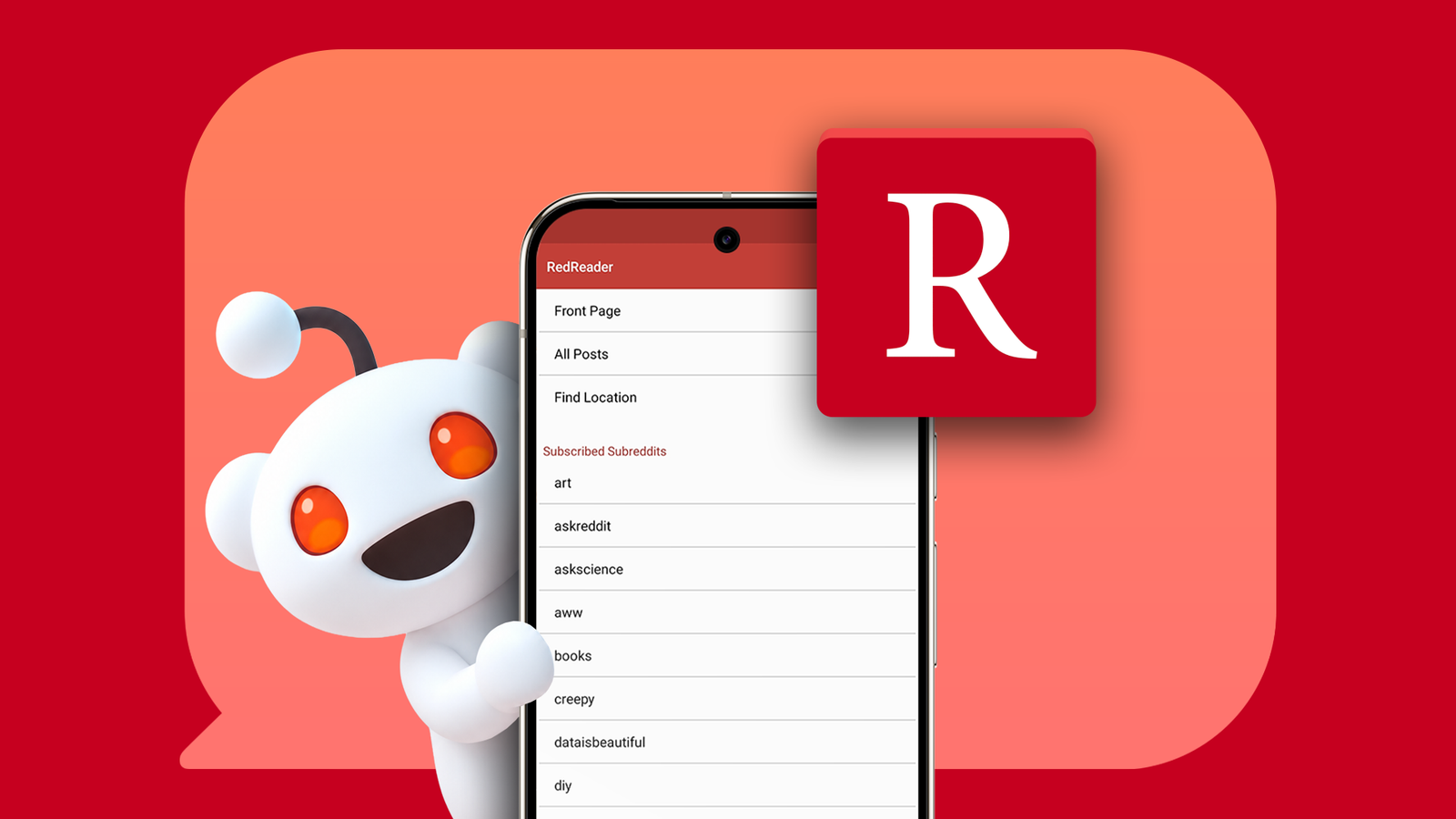
Published Sep 12, 2026, 1:30 PM EDT Marvin is a Features Author for Android Police. His media career began as an editorial assistant at a now-defunct print publication. He has since transitioned to digital media as an editor, attended technology events in over 10 countries, and earned his master's degree in journalism. He enjoys film photography, outdoor running, and alternative coffee brewing during his leisure time. Reddit's official mobile app is becoming increasingly bloated. Like other social media platforms, Reddit is pushing more promoted posts and distracting recommendations to users. Reddit used to have a lot of alternative apps. Before Reddit's controversial move in 2023, mobile users could download apps like Sync or BaconReader. These alternatives had better user interfaces than the official Reddit app. The current alternatives are few. I tried Relay for Reddit, Infinity for Reddit, and Now for Reddit. All have attractive designs and extensive customization. These apps have a catch, though: each requires a subscription at some point. I ended up with RedReader. It's open source, ad-free, and, most importantly, subscription-free. At first glance, its utilitarian design didn't seem like a good replacement for the official Reddit app. After spending time customizing its UI and exploring its browsing experience, I decided to keep RedReader on my phone. RedReader gives me control without charging me The Reddit app can take a backseat now RedReader survived the purge of 2023 thanks to an exemption from Reddit. It addresses accessibility needs with its screen-reader support and doesn't charge users for it. I installed RedReader for its ad-free browsing and subscription-free model. I have system-wide ad blocking on my Android, but that's not enough to prevent the official Reddit app from showing me unrelated promoted posts. What keeps RedReader inside my app drawer is its customization options. I can choose from several interface themes, adjust the font size for each section, and tweak how images and videos display on the front page. It took some time to settle on my preferred font and interface choices, but after everything came together, posts on RedReader became more readable than on the official app. RedReader allows me to adjust the font size globally or individually. I found it helpful to have larger post titles for easier initial viewing, then smaller comments to fit more on the screen at once. I also appreciated having the toolbar at the bottom. This gives more space to read at the top and makes it easier to reach the settings from below. The ability to change how images and videos display is another welcome addition. I can adjust the thumbnail size and how images are viewed on the first tap. The same goes for videos; I can use the internal player with playback controls or choose an external video player like VLC. If you use gesture navigation, you may want to turn off the side toolbar to avoid swiping overlap. Go to Settings > Behavior > Post side-toolbar swipe zone size and set it to 0 dp. The front page truly belongs to me now A few settings helped make it uniquely mine As much as I appreciate RedReader's customization, I value its algorithm more. It's much better than the official Reddit app at showing me the hottest posts from my subscribed subreddits. For comparison, Reddit's official app tends to show two-day-old and just-published posts on my front page. RedReader uses the same front-page logic as the official app, minus the latter's algorithmic bias. This gives RedReader an unbiased approach to the front page. If you choose to sort posts by Hot, Rising, or Best, the front page follows that order without Reddit's inclination to feed you more content. Another important point: RedReader doesn't refresh the front page a few minutes after leaving the app. I can choose how often the app's cache refreshes posts. It can be as short as an hour or as long as three months. The Reddit app's persistent front page refreshing and promoted posts make it feel more like other social media platforms and less like an online forum. By default, RedReader starts on the main menu. You can customize it to show only what you need. You could also go to the front page on startup, similar to the official app. RedReader is the lighter app. I compared the two apps with their caches cleared, and RedReader has consistently used about a tenth of the official app's storage on average. You can't browse NSFW subreddits on RedReader. You can access them through Reddit.com and avoid the official Reddit app. I hope RedReader doesn't get purged, too RedReader wasn't love at first sight. It took time to customize its interface into something I'd live with. I miss recommended posts and subreddits while on the official app, but I can get those by visiting Reddit.com in a browser. I found helpful subreddits when the algorithm got it right. It's unfortunate that RedReader is the only alternative that sticks for me. Like many others, I took the wealth of options for granted before Reddit purged them. RedReader makes Reddit better by showing less while offering more flexibility. Although it's not the perfect replacement, it feels like the only one that works for me.
After trying 4 alternatives to Reddit's official app, one convinced me to switch
Full Article
Original Source
Read the full article at Androidpolice →KhanList aggregates and links to publicly available news content. We do not host full articles from third-party sources. Always verify important information with original sources.