
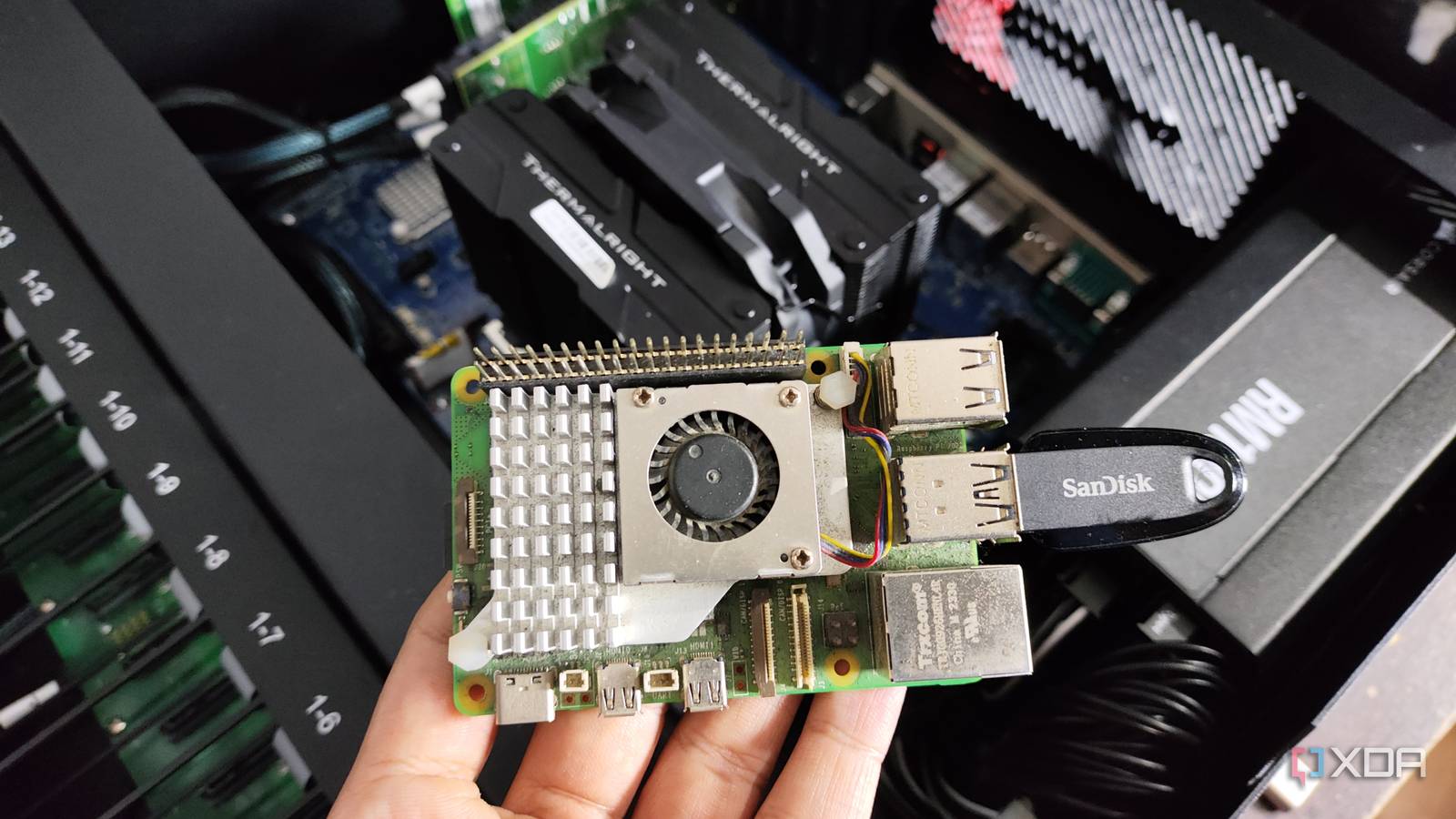
Published Oct 3, 2026, 9:30 AM EDT Abhishek is an author at XDA who covers computing. He has loved computers since he got the Lenovo G570 in 2012. Abhishek holds a master's degree in computer applications and began his writing career in 2018. He loves writing how-to articles, listicles, and informational posts on popular operating systems and web services. He closely follows the Windows Insider program and tests new Insider builds to discover upcoming experimental features and upgrades. His past work includes long-term collaborations with reputed publications like Tom's Hardware, and Windows Latest. When not writing anything, he is busy watching new episodes of One Piece or searching for something binge-worthy. Chromecast was revolutionary when it launched because it turned your normal TV into a system capable of running multiple streaming apps. Even a smart TV that dropped support for apps could gain a new life with a Chromecast. However, there have been several Chromecast iterations, and now the cheaper alternatives are being phased out to make room for the Google TV streamer, which starts at $100. However, you can use a Raspberry Pi as a Chromecast replacement to enjoy a better TV experience. Raspberry Pi is capable of reviving your TV with multiple operating system options and apps. You can choose an operating system, customize it to your liking, or switch to a different one. The freedom to use local playback, add-ons, or integrate your streaming server with the Pi is a nice-to-have feature. Let's explore how a Raspberry Pi can surpass Google's streaming solution and become a worthy addition to your old TV setup. No OS confinement Pick whatever you like When you buy a Chromecast, you're bound to Google's OS or a custom version of Android, along with pre-installed apps. You cannot expand storage (in some models) or switch to another operating system if you like. Chromecast doesn't give you the liberty to swap OSes or perform much customization, or install apps from anywhere except the official store. A Raspberry Pi has the ability to run customized versions of TV OS that can comfortably run on it. It also offers a lot of variety, ranging from LineageOS, OSMC, and LibreELEC, among others, that you can choose from. You don't need to sign up or agree to a telemetry agreement just to watch TV or stream video. As your TV ages, the UI and apps load slowly, which can ruin the overall experience. Even if your Pi becomes outdated or lacks power, you can switch to a lightweight TV OS. You can choose from different UIs and themes, all designed to make the new OS more user-friendly. Chromecast might drop support for very old models, but a dedicated community TV OS might continue longer. Limited storage Not as versatile as you expect Chromecast is a streaming device with limited storage for apps. Since it only streams content, there's less focus on storage. However, as your app library grows, the limited storage space becomes a problem, forcing you to switch between apps. On the other hand, a Raspberry Pi gives you the freedom to pick the storage size and type. You can use an SD card, a USB drive, or an NVMe drive, depending on the type of support your Pi offers. Faster storage paired with an equally capable processor can handle high-resolution streaming and direct video playback. You can even play games directly within the Kodi UI, or simply swap the SD card in the Pi for Lakka or RetroPie. It's an additional perk of connecting a Raspberry Pi to your screen, where you just need to put the games on the boot drive. Better connectivity options Lots of ports Credit: RyzerPhenix/MakerWorldCredit: TAKA@P.P.R.S (Flickr) If your TV lacks additional ports, such as Ethernet or USB, and the original ones no longer work, a Chromecast can't help you. Even with models that support connecting a USB drive, you need to use a specific file format. A Raspberry Pi offers numerous connectivity options, enabling you to connect devices and establish a network connection. For example, you can connect an external hard disk or SSD to the Pi’s USB port whenever you want to play media from it. Therefore, you can now add I/O options that previously did not exist. The same goes for adding Wi-Fi or Ethernet capabilities to the TV. Since the Raspberry Pi offers various wired and wireless connectivity options, streaming content over a network isn't a problem. I suggest using the Ethernet connection for reliability, but you can choose any connection mode. Chromecast offers Ethernet connectivity in some newer models (Google TV streamers have a dedicated Ethernet port), but you need to purchase a separate adapter. It disrupts the entire connection layout, but if you opt for a Raspberry Pi, all ports, including Ethernet and faster USB 3.0, are available on the board. You don't need to connect USB hubs or adapters to it. Only one cable is required to connect the Pi to the TV, and one power adapter is needed to power the Pi. You’re in control Choosing a Raspberry Pi as a streaming device is a good decision if you want to have control. But it comes with a price: setting everything up. It’s a self-hosted project, so you’ll have to take control. The next step is to pick a compatible OS for your Pi that doesn’t slow down when you try running apps on it. It’ll take some effort, but the rewards are worth it. After installing an operating system that mimics a TV OS, you need to set up apps, attach local storage and a network share, install additional subtitle tools, and more. Your TV remote can handle most tasks, but you can use an IR remote and plug its receiver into the Pi to control it. Kodi’s add-ons are the best part because you can add several services, such as YouTube, which plays without ads. Don’t hesitate to explore Kodi add-ons because that’s where the magic happens if you go with a Kodi-centric OS. Netflix and other popular streaming apps aren’t a good experience if you go the Raspberry Pi way, so keep that in mind as well.
A Raspberry Pi is a better addition to your TV than a Chromecast
Full Article
Original Source
Read the full article at Xda-developers →KhanList aggregates and links to publicly available news content. We do not host full articles from third-party sources. Always verify important information with original sources.