
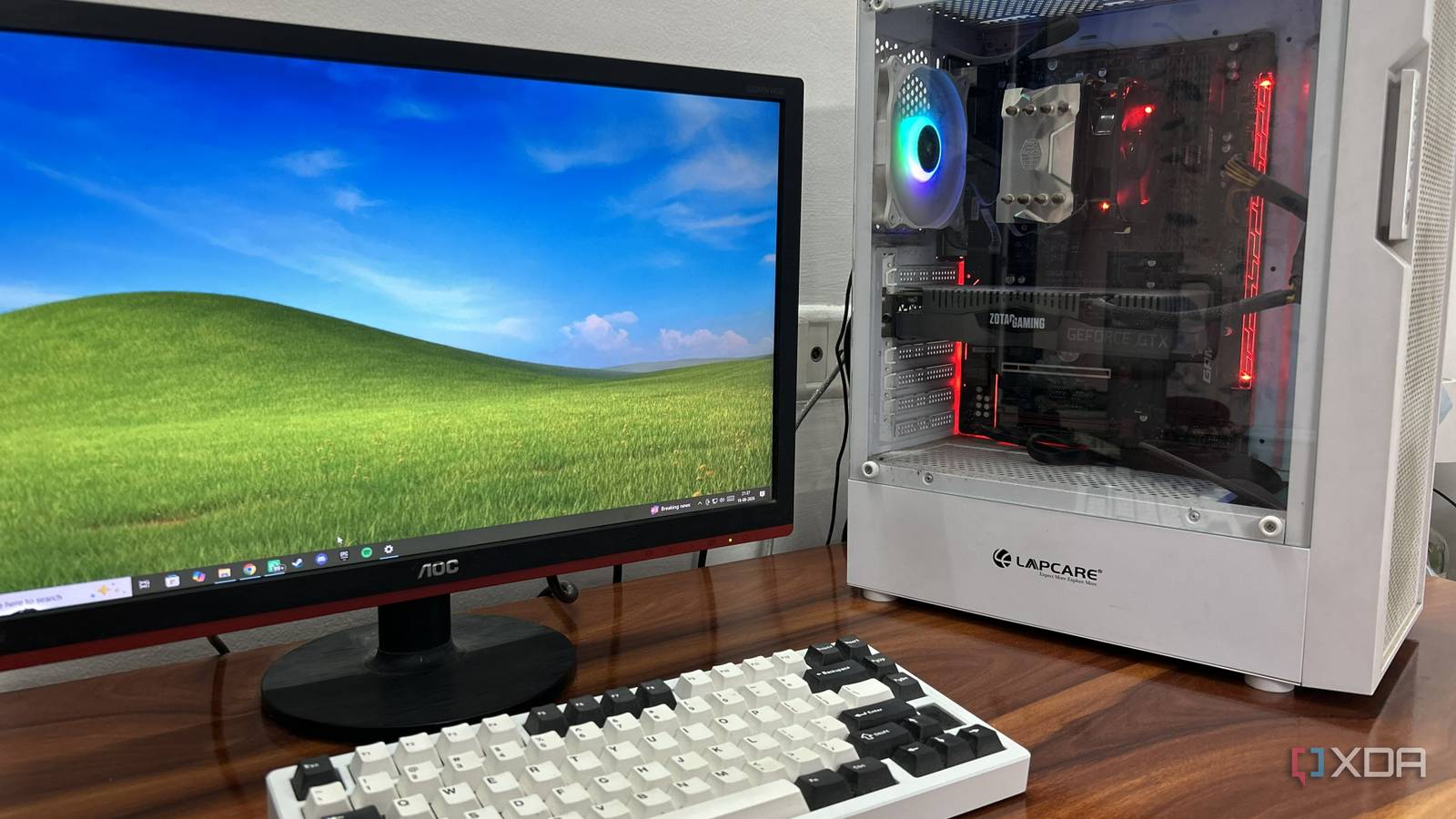
Published Aug 21, 2026, 4:30 PM EDT Abhinav pivoted from a career in banking to pursue his first love in writing. Even while working full-time, he continued contributing as an editor-at-large, a role he has held for more than 7 years. A lifelong tech enthusiast who has built three gaming and productivity powerhouse PCs since 2018, his passion for technology keeps him closely following the semiconductor industry, from NVIDIA and AMD to ARM. His MSc dissertation explored how artificial intelligence will reshape the future of work, reflecting his curiosity about the wider social impact of emerging technologies. There comes a point in every PC's life when it starts to feel slow, and shortly after, annoying to use. My AM4 gaming rig with a Ryzen 5 1600 and an RTX 2070 Super could still run most software and a number of games, but not nearly as well as I'd like it to. Every Windows update, boot sequence, and app launch delay served as a constant reminder that time has passed the PC by. Now, the obvious "fix" would've been to just drop $200 on a new Ryzen 5000-series processor and an NVMe SSD. The problem with this obvious solution was the fact that it's my secondary PC, the one I only use when I'm home every other weekend. Spending that much on a machine that sits idle most of the month made very little sense, especially with NVMe prices touching the stratosphere. The more elegant solution happened to be a 2.5-inch SATA SSD and a couple of tweaks in the BIOS. The Ryzen 5 1600 wasn't the biggest bottleneck It was the storage it had been made to work with It's almost natural to point fingers at a 2017 processor when evaluating an aging PC, but the HDD I had been using was the single biggest offender when it came to usability. Windows 10 booted slowly and felt increasingly sluggish as time passed. As the primary OS drive, this HDD was the textbook case for random I/O bottleneck, which meant laggy app launches, long boot times which, for sure, exceeded over a minute, which is downright unacceptable in this day and age. When you factor in the other background tasks and the usual housekeeping Windows 10 runs in the background with its usual Defender scans and search indexing, you understand why it's like living a nightmare running a system like this. As such, the processor is a small concern in comparison, despite its age. The Ryzen 5 1600's single-core performance is underwhelming by modern standards, but nonetheless, it is still a decent 6-core, 12-thread processor which is enough for everyday productivity, casual browsing, and I daresay, light gaming, when paired with the right storage solution, which was something that I hadn't been using. A 2.5-inch SATA SSD is transformative for an old PC A low cost, high impact solution to revive an old rig If you're coming from an older system with spinning HDDs, I'd argue that no change is going to feel as impactful as a cheap 2.5-inch SATA SSD for the rig, and that insight is coming from lived experience. That's doubly true if you're migrating your OS from the said HDD to flash storage. The main reason for this is the fact that booting into Windows or opening apps revolves around thousands of tiny, scattered reads, and a spinning drive has to physically move its head to reach each one. The mechanical delay repeats on every boot and every launch. Where an SSD has an HDD completely outclassed, is random read performance. A hard drive answers requests one at a time, and this response is gated by the seek time and rotational latency. Meanwhile, flash-based drives do not have this constraint, which makes the average SSD anywhere between 50–150 times faster than a high-RPM hard drive at Random 4K read performance. A few minutes in the BIOS finished the job These settings have gifts for every user, regardless of the hardware The rest of the tweaks I made came entirely from the system BIOS, which happens to be a place that most casual users will conveniently ignore until absolutely necessary. Before tinkering with any of the settings, I had to make sure that the BIOS was up-to-date. Newer AGESA revisions fixed most of the early memory compatibility issues with the Zen 1 processors and additionally added RAM speed options beyond JEDEC limits, so this ten-minute task was certainly a non-negotiable aspect of maintenance. My motherboard shipped with AGESA version 1.0.0.4, so any version above 1.0.0.6 would add more memory divider options to the mix. The first port of call after this, of course, was to see if RAM overclocking was enabled, which is more important than usual when it comes to first-generation Ryzen processors. This is because the Infinity Fabric that links the CPU is tied to memory clock, and faster memory raises the fabric with it, showing up directly in the system's snappiness by essentially cutting down on internal latency. Tweaking works better when you know your bottlenecks These straightforward tweaks did more for my old and aging AM4 system, but what made them matter the most is the fact that they were tailored towards the specific bottlenecks that affected my everyday user experience. As such, it's worth diagnosing what's keeping your PC from delivering the best possible performance before heading down the obvious upgrade path that includes swapping out a GPU, CPU, or system memory.
A $60 SSD and 15 minutes in BIOS turned my old PC into something I actually want to use
Full Article
Original Source
Read the full article at Xda-developers →KhanList aggregates and links to publicly available news content. We do not host full articles from third-party sources. Always verify important information with original sources.