
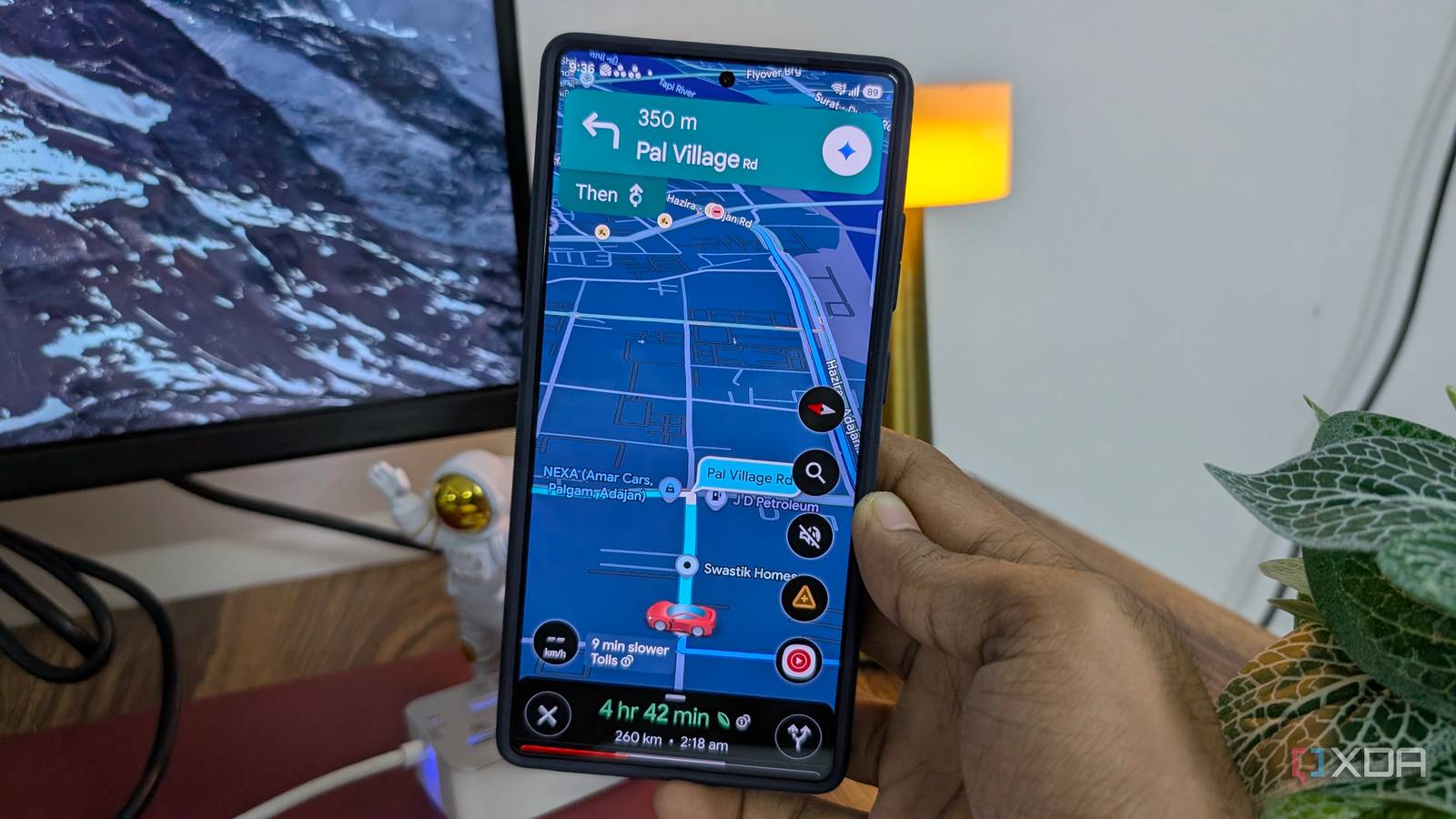
Published Oct 3, 2026, 7:31 AM EDT Parth, a seasoned tech writer, wields the keyboard (or pen) with finesse to unravel the intricacies of both Windows and Mac operating systems. He has covered evergreen content on mobile devices and computers for multiple publications over the last six years. You can find his work on AndroidPolice, GuidingTech and TechWiser. Whether it’s demystifying system updates, deciphering error codes, or exploring hidden features, Parth’s prose guides readers through the binary maze. When not immersed in tech jargon, you’ll find him sipping chai, pondering the next software review, and occasionally indulging in a friendly debate about mechanical keyboards. After more than 6,000 miles of driving with Google Maps, I have learned that I shouldn’t follow the blue route without thinking. It is good at getting me from point A to point B, but the route it suggests isn’t always the route I actually want to take. After several bitter experiences, I rarely start a trip without checking the alternatives first. Google Maps is still excellent at navigation, but blindly following its first suggestion is not always the smartest way to drive. Google Maps is obsessed with saving time Maps loves shortcuts I would rather avoid The more I use Google Maps, the more I realize that it really likes shaving minutes off my ETA. In most cases, that is exactly what I want from a navigation app. The problem starts when Maps gets a little too aggressive. It may suggest leaving a perfectly good highway, taking several smaller roads, and rejoining the main route later just because its calculations show that I can arrive a few minutes earlier. That looks great on the route preview, but the fastest route on paper isn’t necessarily the easiest one behind the wheel. On longer drives, especially, I would much rather maintain a consistent speed on a major road than chase every small ETA improvement Google Maps finds. I experienced this recently while driving to a resort. Google Maps kept suggesting an alternative that would cut roughly 5 km from the journey. At first glance, it looked like the obvious choice. Then I looked more closely at where that route was taking me. It left the main highway and went through a nearby village, with several smaller roads and narrow lanes along the way. I ignored Maps that day and continued on the highway. Technically, I drove around 5 km farther than I needed to. In practice, I was glad I did. The highway gave me wide lanes, predictable traffic, fewer turns, and a much more relaxed drive. I didn’t have to constantly check whether I was taking the correct village lane or worry about two cars squeezing past each other on a narrow road. Similar ETAs deserve much more attention A few minutes can change everything I pay much more attention to alternative routes when their ETAs are close. If Google Maps shows one route at 1 hour 42 minutes and another at 1 hour 46 minutes, I no longer see the first one as the obvious choice. A four-minute difference is tiny on a drive that long, especially if the slightly slower route keeps me on better roads. This is where I think Google Maps can make the blue route look more important than it really is. The fastest option gets highlighted, but the alternative may offer a much better driving experience for almost no meaningful time penalty. I zoom in before choosing a route Distance can sometimes matter more than ETA Before a long drive, I rarely rely on the small route preview on my S25 Ultra anymore. I usually open Google Maps on my iPad, where the larger screen makes it much easier to inspect the entire journey and compare alternatives properly. I did exactly that before a recent 200-mile trip from one city to another. Google Maps showed me four different routes, and the ETA differences weren't dramatic enough for me to pick the fastest one. Instead, I went through each route section by section. The route I eventually picked was not necessarily the fastest, but it made more sense overall. It was a longer one but had wider roads, fewer turns, and fewer tolls. Google Maps naturally puts a lot of emphasis on ETA, and because of that, I've ended up traveling through smaller roads in remote villages. Rerouting is where I am most cautious Don’t accept reroutes blindly Rerouting is where I have become most cautious with Google Maps. In the middle of a drive, Maps may suddenly offer a faster option and make it look like an easy way to save a few minutes. I accepted one of those suggestions once, and the route turned into a nightmare of narrow roads and slow local traffic. Since then, I rarely tap the faster option without checking it first. If I am unsure, I either pull over somewhere safe and inspect the route properly or ask a local whether that road is actually worth taking. I would rather stay on a route I trust than gamble on an unfamiliar shortcut. I trust Maps, but with limits Google Maps is still one of the first apps I open before a long drive, but 6,000 miles have changed the way I use it. I no longer chase the lowest ETA just because Maps highlights it in blue. If another route takes only a few minutes longer but keeps me on wider roads, avoids awkward turns, or lets me stay on the highway, I will usually take it. I have also become much more cautious about last-minute shortcuts that promise to save a couple of minutes. Meanwhile, check my dedicated post if you are interested in learning the hidden Google Maps tips and tricks.
6,000 miles with Google Maps taught me to stop blindly following the blue route
Full Article
Original Source
Read the full article at Xda-developers →KhanList aggregates and links to publicly available news content. We do not host full articles from third-party sources. Always verify important information with original sources.