
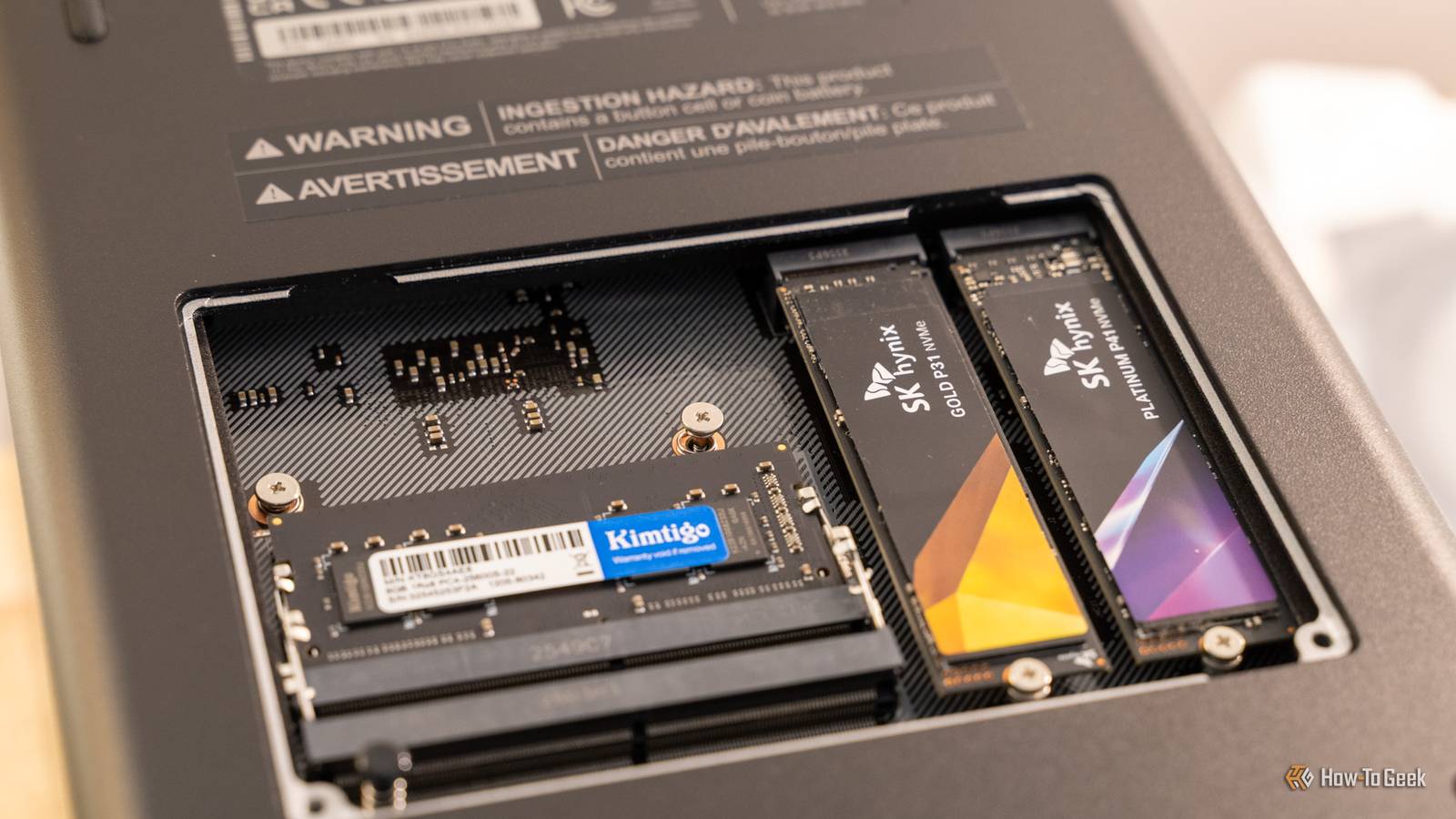
Published Sep 30, 2026, 7:30 AM EDT Monica J. White is a journalist with over a decade of experience in covering technology. She built her first PC nearly 20 years ago, and she has since built and tested dozens of PCs. PC hardware is her main beat, and graphics cards and the GPU market at large are her main area of interest, but she has written thousands of articles covering everything related to PCs, laptops, handhelds, and peripherals. From GPUs and CPUs to headsets and software, Monica's always willing to geek out over all things related to computing. Outside of her work with How-To Geek, Monica contributes to TechRadar, PC Gamer, Tom's Guide, Laptop Mag, SlashGear, Whop, and Digital Trends, among others. Her ultimate goal is to make PC gaming and computing approachable and fun to any audience. Monica spends a lot of time elbow-deep in her PC case, as she's always making upgrades, testing something, or plotting out her next build. She's the go-to tech support person in her immediate circle, so she's never out of things to do. Whenever she has spare time, you'll find her gaming until the early hours and hanging out with her dog. You may think that if you've spent money on one of the most expensive SSDs (hopefully not too recently, given the prices), you've got the fastest storage in the world. In a way, it's true. But not in every context. In fact, some of the other storage devices in your very PC are way faster, but there's a good reason why you can't use them to actually store your files long-term. Your CPU cache makes an SSD look prehistoric The fastest storage in your PC is measured in megabytes Credit: Ismar Hrnjicevic / How-To Geek You don't have to look too far for the first example of this, because your own CPU is way faster than your SSD. I'll explain. The L1, L2, and L3 caches inside your processor frequently hold needed data and instructions, and their greatest benefit is that they're so close to the processor. This lets the CPU grab the data without making the comparatively long trip out to system RAM, let alone an SSD. Part of that is exactly why AMD's 3D V-Cache CPUs, the X3Ds, are so outstanding. Of course, the exact bandwidth depends heavily on the processor and which cache level you're talking about, but the latencies are so low in this proximity to the CPU that even a flagship SSD looks sluggish. Of course, there's a reason why your NVMe isn't made from the same stuff. CPU cache is built from extremely fast SRAM, which takes up a lot of silicon and costs far more per bit than the NAND flash inside an SSD. As such, it's not like manufacturers can load up terabytes upon terabytes of it, not the way SSD manufacturers can. Even a high-end desktop CPU with a massive cache only gives you megabytes of it, which, in storage terms, brings us back to the era of floppies and other outdated storage media. A RAM disk can turn your DDR5 into a ridiculously fast drive Unfortunately, your files disappear when the power does The next step up from CPU cache is system RAM, and this one you can actually turn into something that behaves like a drive. A RAM disk reserves part of your memory and presents it to the operating system like regular storage, letting apps read and write files there. Modern DDR5, besides the fact that it's quite literally worth its weight in gold, also has way more bandwidth than even a fast PCIe 5.0 SSD, so RAM disks can be absurdly quick for things like temporary files, browser cache, and anything else where raw speed is the goal instead of permanence. Which brings us to the problem: it's not forever. Not even close. DRAM is volatile, which means everything stored there disappears when the system loses power, unless you copy it elsewhere first. Besides, you're also sacrificing usable memory to create that disk, and while SSDs are stupidly expensive now too, trading 64GB of super fast RAM that you need for actually using your PC is a supremely bad deal. HBM can move terabytes every second GPUs get memory bandwidth your SSD can only dream about Credit: Patrick Campanale / How-To Geek If regular DDR5 RAM makes an SSD look pathetic, high-bandwidth memory (HBM) will obliterate it entirely. HBM is used on high-end GPUs and AI accelerators, and with good reason. Those processors move wild amounts of data, and they can't constantly sit around waiting for memory to catch up. This stuff is exactly why RAM is 300% more expensive than last year, by the way. Current HBM3E can push more than 1.2TB/s per stack, while newer HBM4 goes beyond 2.8TB/s per stack. For comparison, even a top-end PCIe 5.0 SSD is doing maybe up to 15GB/s. Where does this speed come from? Stacking the memory dies and giving them a super-wide interface very close to the GPU or accelerator. Still, even HBM suffers from the same "problem" (if you can call it that) as regular DRAM: it's volatile, not permanent. Persistent DRAM gets frighteningly close to the dream It cheats by saving RAM to flash when the power goes out What if we could somehow get DRAM speeds without losing everything the second we turned off our PC? That'd be the dream, right? Well, that's pretty much what persistent DRAM tries to do. Some implementations get somewhat close, such as SMART Modular's NVM-CMM, for instance. It combined 32GB of DRAM with NAND flash and connects over CXL, delivering around 32GB/s of throughput with around 200ns round-trip latency. If the system suddenly loses power, an onboard energy source gives the module enough time to copy everything sitting in DRAM over to NAND. When the power is restored, all that data goes back into DRAM. That fixes the biggest problem with using memory as storage, but not all the problems. This is essentially a specialized device aimed at servers, so don't start opening up Amazon in search of something similar. The capacity and the cost just don't add up, although it's a novel idea. Huge NVMe arrays can beat any individual SSD by brute force One SSD can't compete with dozens working in parallel Credit: Corbin Davenport / How-To Geek Now we're truly cheating. Instead of inventing faster memory or storage, we can just throw a lot of SSDs at the problem and get great results. This is what happens in enterprise and HPC storage systems. These systems can stripe data across many NVMe drives and access them in parallel. This aggregate bandwidth is way beyond what any single SSD could ever hope to pull off, reaching into hundreds of gigabytes per second, or even more. The caveat is that it's not any single NAND chip that suddenly became a million times faster than a regular SSD. It's basically the same idea as striping drives in RAID 0, except taken to data center proportions, with the workload being split across so many different SSDs that all work together at once. Needless to say, putting something like this inside your gaming PC would be unhinged (and impossible). SSDs are slow because they're good at everything else SSDs are fast when you compare them to HDDs, but they're slow when you compare them to some of the above components. Such is life. They're still plenty fast enough for everything we do these days, unless, of course, you make one of these SSD mistakes.
5 unusual storage devices that are faster than any SSD (and why we don't use them for PC storage)
Full Article
Original Source
Read the full article at Howtogeek →KhanList aggregates and links to publicly available news content. We do not host full articles from third-party sources. Always verify important information with original sources.