
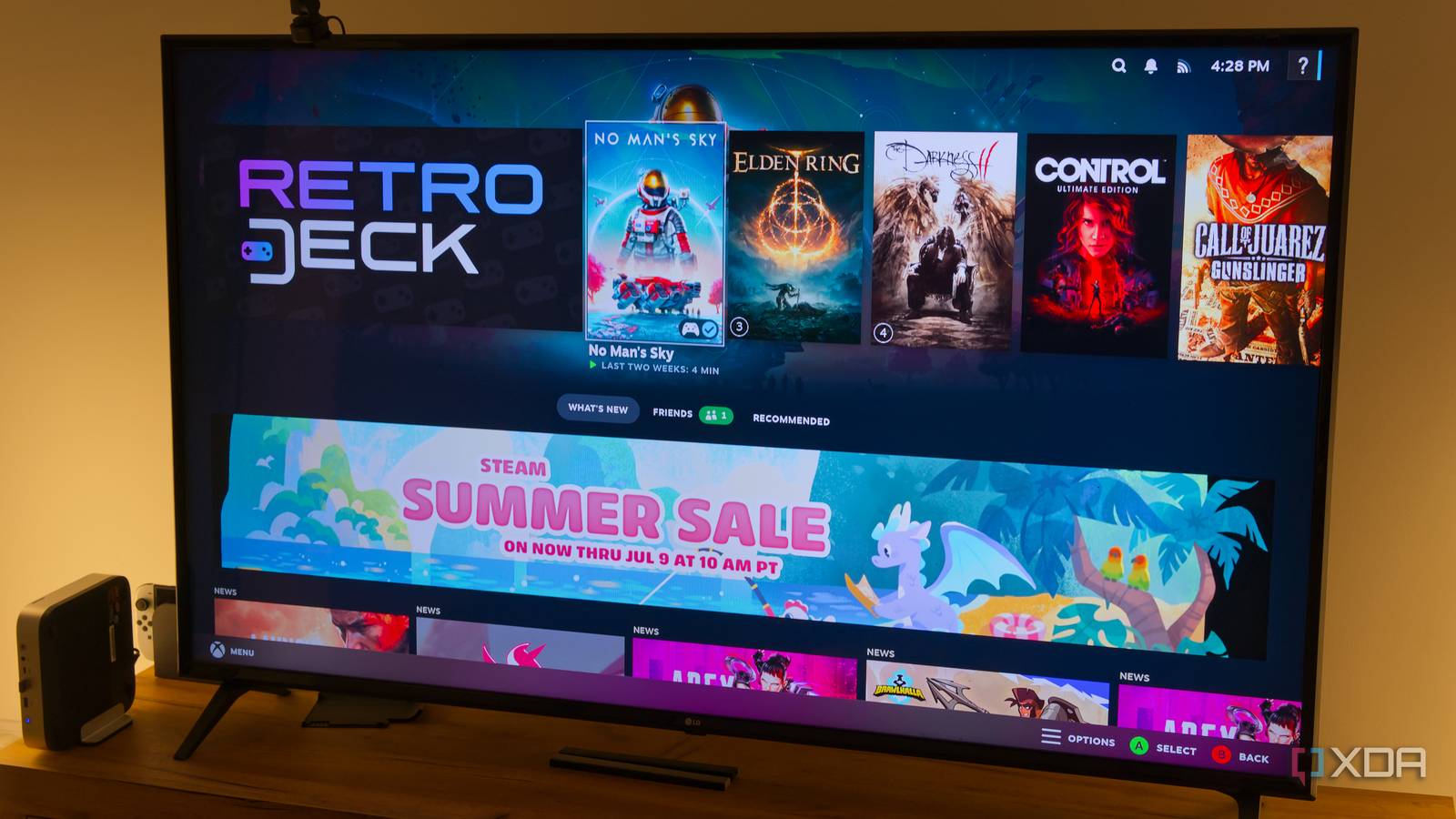
Published Nov 26, 2026, 9:00 AM EST His love of PCs and their components was born out of trying to squeeze every ounce of performance out of the family computer. Tinkering with his own build at age 10 turned into building PCs for friends and family, fostering a passion that would ultimately take shape as a career path. Besides being the first call for tech support for those close to him, Ty is a computer science student, with his focus being cloud computing and networking. He also competed in semi-pro Counter-Strike for 8 years, making him intimately familiar with everything to do with peripherals. Being able to pick up a controller, sit down on the couch, and immediately start playing games is seen by many as a console-exclusive experience, but it really doesn't have to be. SteamOS and Steam Big Picture are proof of that, and when using them I can easily leave the keyboard and mouse stowed away. As someone who has a home theater PC in their living room and uses it almost every day, I'm constantly hunting for new ways to make the experience more seamless, but when I swapped it back to Windows and tried the "Xbox Mode" that came with it, it left a lot to be desired. While it's certainly more than just a full-screen skin for the Xbox app, it falls short of Steam Big Picture and SteamOS in a lot of key areas, and these 5 features are what Microsoft should be copying from Valve. It needs to stop sending me to the desktop Steam is great at minimizing this A "couch mode" really only works if you never have to pull out a mouse to navigate. SteamOS's Gameing Mode runs games inside its own compositor called gamescope, and that means anything that pops up before the game launches, like a EULA acceptance or anti-cheat launcher can be navigated properly. Steam Input has a lot to do with this too, but one of the biggest reasons why these sorts of windows are such a hurdle for couch gaming on Windows is because the Xbox environment isn't completely separate like gamescope. Xbox Mode is just a controller-friendly shell on top of regular Windows, and while you can launch basically anything directly from the interface, it's a different story once it's running. Valve also went so far as to make this a requirement to be "Verified" for the Steam Deck: if a game launched something that isn't navigable using a controller, it displays a compatibility warning on the store page. My couch PC isn't a handheld, but the warnings hold up all the same. Remapping that works for every controller, in every game Steam Input is one of my favorite things about Steam Steam Input is one of the biggest reasons why SteamOS and Steam Big Picture feel so seamless from the couch. Almost every game has a controller layout by default, and community configs are at your fingertips. Support for features like gyro, back button mapping, keyboard and mouse emulation, and plug-and-play support for most controllers is really useful. Microsoft's button remapping requires the use of the Xbox Accessories app, and most of what you can do there requires an Xbox controller. To be fair to Microsoft, Steam Input does work on Windows, but only on games that are launched through Steam. Xbox's own games launched through Game Pass or the Microsoft Store can't use Steam Input, so you're stuck using the inferior option. It's a bit barebones on Windows at the moment With a couple of button presses on any game launched through SteamOS or Steam Big Picture, you can pull up the Performance tab, which grants you quick access to several settings and overlay options, all of which can be applied on a per-game basis with profiles. The Xbox equivalent, the Performance widget on the Game Bar, lets you track resource utilization and display statistics, but per-game settings don't exist. You can apply per-game settings like frame limiters in the Nvidia App or AMD Adrenalin, but there's no way to easily toggle them through a controller-friendly menu. Suspend and resume capability that you don't have to think about A true console-esque feature SteamOS treats suspend and resume as a core feature, and it's really useful, even on a full-sized PC. Pressing the power button in the middle of a game will suspend the system, and when waking it later, you'll pick up right where you left off with nothing to relaunch. Waking a Windows PC with a controller is far from straightforward—it's possible with the right BIOS settings and some PowerShell tweaks, but it'd be a lot nicer if it was just a simple toggle by default. The frustrating part is that Microsoft already solved this with Quick Resume on the Series X and S, so the bones are there. One place for every update They won't do it, but a custom Xbox image would be great SteamOS installs and updates as a single image, and that means the kernel, graphics driver, firmware, and basically everything else comes from one system update, including fallback measures if something were to go wrong. Keeping a Windows PC current means updating all of these elements individually: Windows Update, the Microsoft Store, Gaming Services, the Xbox app and whatever GPU utility your card needs. Microsoft knows that this is a problem, since it seems to be one of the core selling points of Project Helix, their hybrid PC-Xbox machine that has been in the works for the last few years. With the release of Helix, if they enabled the ability for users install a SteamOS-like operating system on their own PCs that could primarily function as the base for a couch gaming box, that would be great, but it's unlikely. At the minimum, I'd love to see a more streamlined update system for Windows machines that want to be used from the couch. Windows has strengths, but the Xbox Mode is a bit of an afterthought Windows already has the game library and access to Microsoft's other services, but it lacks the unglamorous plumbing that makes SteamOS feel effortless from the couch: controllers that just work, games that sleep when you do, and updates you never think about. Valve built that layer over years of Steam Deck updates, and I hope Microsoft takes Helix in a similar direction.
5 things Xbox’s couch mode needs to copy from SteamOS
Full Article
Original Source
Read the full article at Xda-developers →KhanList aggregates and links to publicly available news content. We do not host full articles from third-party sources. Always verify important information with original sources.