
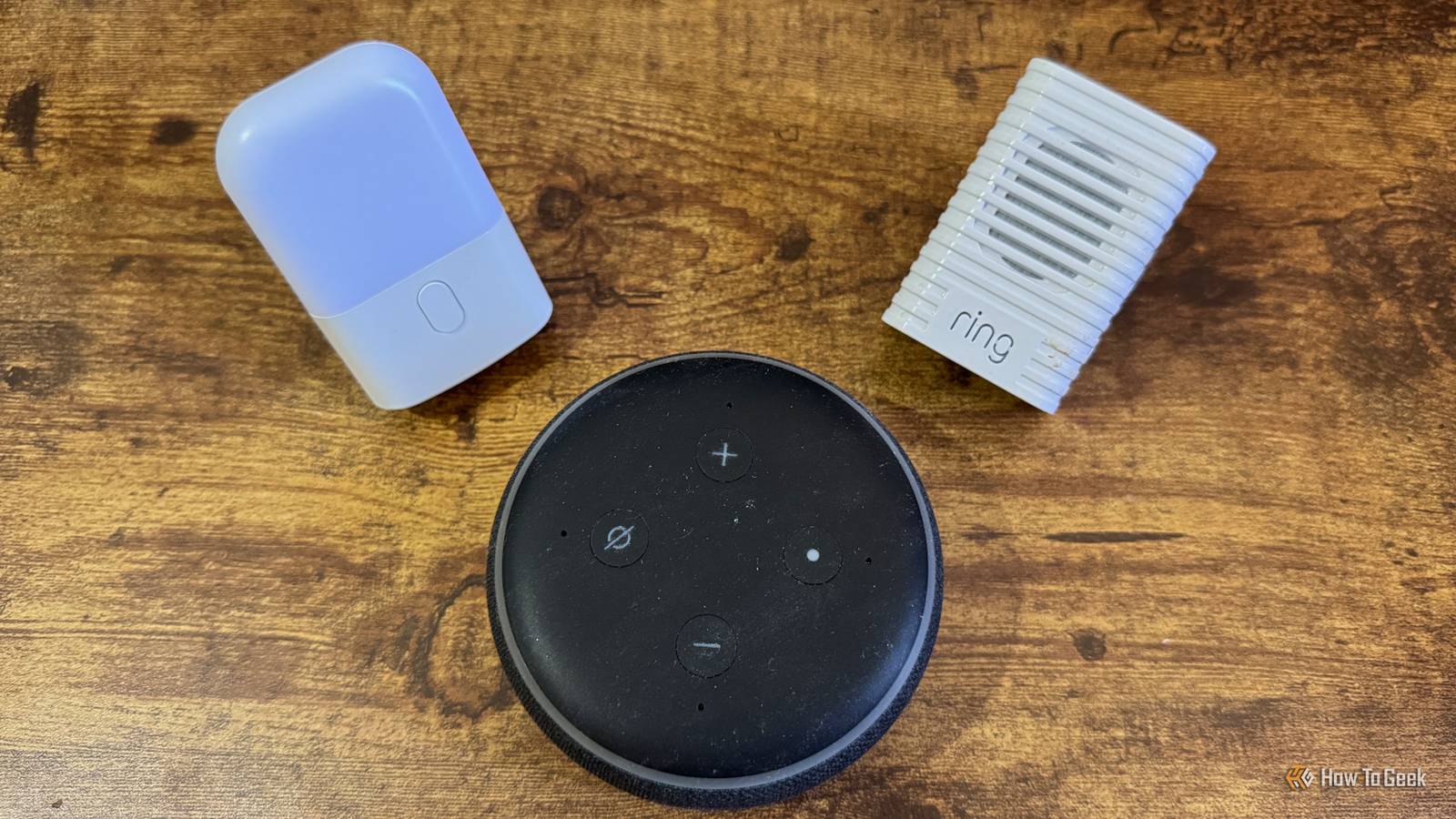
Published Nov 14, 2026, 8:30 AM EST Adam has a degree in Engineering and has a life-long interest in technology. He has been writing for over a decade for various print and online publications, with a focus on consumer tech. He joined How-To Geek in 2024 while working at Pocket-lint. As well as being a long-term fan of Apple products, he also has a strong interest in smart home tech, running a Home Assistant server at home to automate all his smart home devices. He believes that the ideal smart home should work with minimal interaction from the user, with automations running as if by magic rather than requiring you to push buttons on a control panel. You can find more of his work on Muck Rack. Smart home gadgets can make your life easier, but it’s easy to end up with a home full of gadgets that all do different jobs. Using Home Assistant, I’ve managed to replace several gadgets with tech that I already own. Smart home hubs One hub to rule them all This is one of the most obvious benefits of Home Assistant. Popular smart home ecosystems such as Alexa, Google Home, and Apple Home often rely on smart home hubs to act as the control centers and send out commands to your devices. You can use an Echo or Google smart speaker as a smart home hub for Alexa and Google Home, and for Apple Home, you can use a HomePod, an Apple TV, or the new Apple HomeView. Even then, you might need additional hubs to control specific smart home devices, such as a Hue Bridge to control Philips Hue lights, or a different hub to control your IKEA smart home devices. Home Assistant can save you from an ever-expanding collection of smart home hubs by doing it all for you. For example, via Zigbee2MQTT, I can control all my Philips Hue smart bulbs and IKEA smart home devices directly, without the need for any proprietary hubs. As long as you have the right coordinators to speak to your various devices, Home Assistant can do the job. Sunrise alarm clocks My entire bedroom can become an alarm clock Being woken from a deep sleep by a blaring alarm is never pleasant. There are definitely better ways to start the day. A sunrise alarm clock, for example, can wake you up far more gently. These clocks are equipped with lights that slowly increase in brightness over time, to mimic the way that the day becomes slowly brighter around sunrise. Instead of being shocked awake, you wake more naturally as the room becomes brighter. Home Assistant can do this for you using the smart bulbs you already own. You can create an automation to turn your bedroom lights on with low brightness and a warm color temperature at a set time, and then slowly get brighter and cooler until you wake up. You don’t need an additional gadget at all. Motion-activated night lights The lights I already own can do the job Motion-activated night lights can be really useful. If you need to find your way to the bathroom in the night, you don’t want to have to stumble around in the darkness. However, turning on the hallway lights can be dazzling and wake you up to the point where it’s hard to get back to sleep again. A motion-activated night light can turn on just bright enough to light your way, and then turn back off again. The problem is that many of these devices need to be plugged in to work. They can hog a power outlet that you’d rather be using for something else, or you may not even be able to place one where you want if there’s no suitable outlet. You can recreate the same features with a smart bulb and motion sensor. A simple automation can turn on the hallway light at a low level when motion is detected during the night, so that you can find your way to the bathroom, and then turn it off again once motion is cleared. Options such as Zigbee motion sensors can run on batteries, so you don’t need to worry about power outlets and you can place one wherever you need it. Programmable plug-in timers Smart plugs can do way more than just follow a schedule Programmable plug-in timers have been around for decades. These devices are like standard plugs with a dial on the front that allow you to set a schedule for when the power turns on and off. They’re useful, but very limited. With a smart plug and Home Assistant, you can do so much more. You can have your smart plug turn on and off on a schedule, just like a programmable timer, but you can also have it turn on via an automation or via a control on a dashboard. I have an automation set up that turns on the plug for my dehumidifier when the half-hourly electricity price drops below a set threshold, so that I’m only using it at the cheapest times. Doorbell chimes My speakers can tell me who is at the door When someone rings your doorbell, you need to know about it. Doorbell chimes can play chimes or even tunes to alert you that someone is at the door, but that’s about as smart as they get. With Home Assistant, you can use the smart home devices in your home to alert you when someone is at the door. Your smart speakers can play sounds, your lights can flash, you can have notifications sent to your phone, and more. Unlike a doorbell chime that’s always in the same location, you can have alerts happen all around your home so that you don’t miss them. Things can get even smarter if you use a system such as Frigate and set up face recognition. If the person who rings your doorbell is in your database, you can have your smart speakers announce not only that someone is at the door, but who it is. Home Assistant can do so much Obviously Home Assistant can’t replace every gadget in your home, as otherwise it would have nothing to control. However, there’s a lot that you can do using the smart home devices you already own. You may find that not only can you get rid of some gadgets, but that by replacing them with Home Assistant, you can get even better features, too.
5 smart home gadgets I no longer need thanks to Home Assistant
Full Article
Original Source
Read the full article at Howtogeek →KhanList aggregates and links to publicly available news content. We do not host full articles from third-party sources. Always verify important information with original sources.