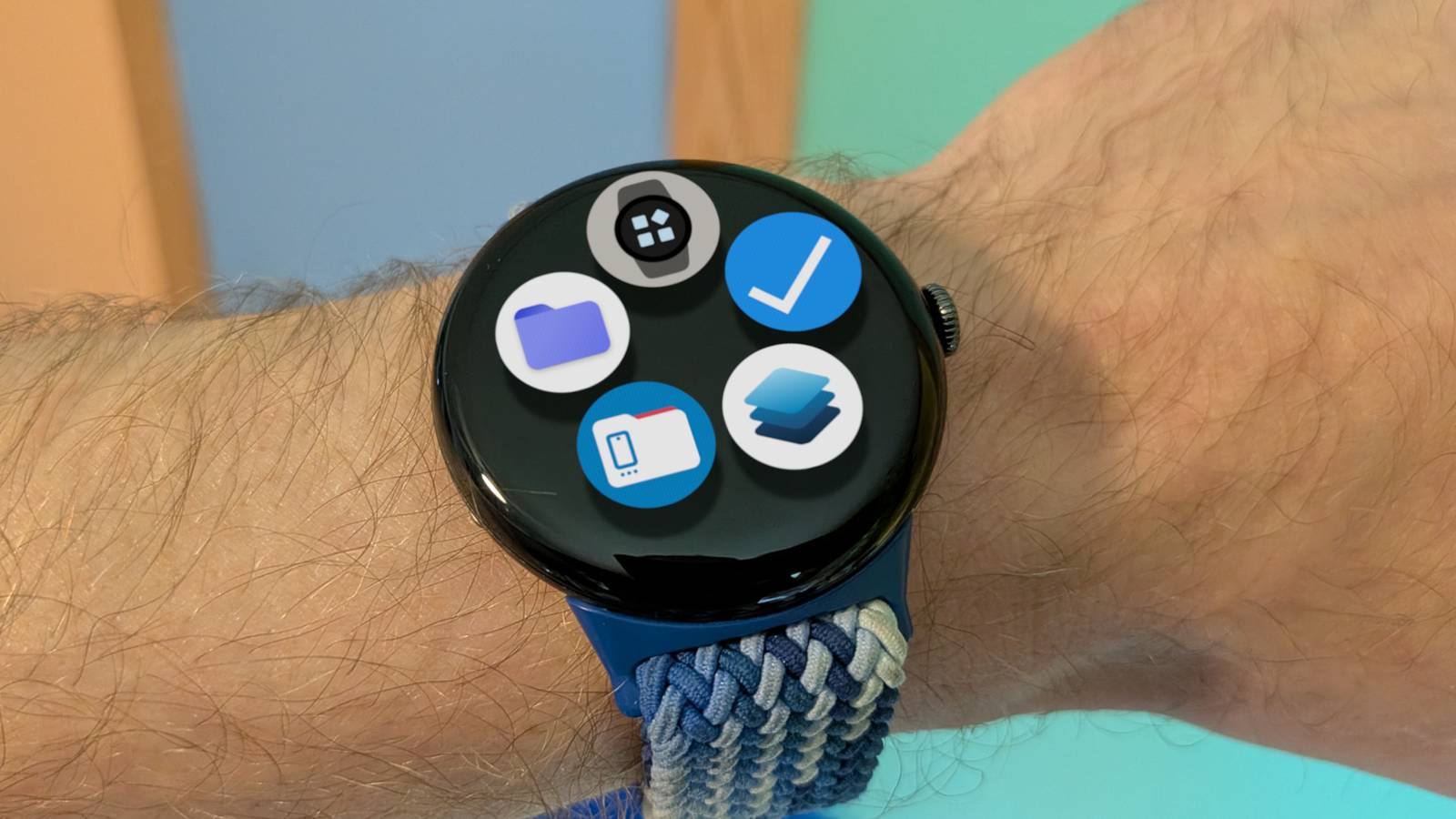
Published Aug 12, 2026, 3:45 PM EDT Joe Fedewa has been writing about technology for over a decade. Android and the rest of the Google ecosystem have been a focus for years, as well as reviewing devices, hosting podcasts, filming videos, and writing tutorials. Joe loves all things technology and is also an avid DIYer and food blogger. He has written thousands of articles, hundreds of tutorials, and dozens of reviews. Before joining How-To Geek, Joe worked at XDA-Developers as Managing Editor and covered news from the Google ecosystem. He got his start in the industry covering Windows Phone on a small blog, and later moved to Phandroid where he covered Android news, reviewed devices, wrote tutorials, created YouTube videos, and hosted a podcast. From smartphones to Bluetooth earbuds to Z-Wave switches, Joe is interested in all kinds of technology. After several years of jailbreaking and heavily modifying an iPod Touch, he moved on to his first smartphone, the HTC DROID Eris. He's been hooked ever since. The Pixel Watch isn’t exactly known for being super open. You’re mostly stuck with Google’s own apps and services, and certain things only work with Pixel phones. However, there are plenty of great open-source apps available to download. Here are five to get you started. Complications Suite Deck out your watch faces One of the Pixel Watch’s strengths is the long list of excellent pre-installed watch faces. Many of them can be fully customized with complications, which is the Wear OS term for bits of information you can add to faces, like weather, steps, date, battery, and a lot more. Complications Suite is an open-source app that adds even more complications to your toolbox. Things like date countdowns, more date choices, shortcuts to system settings, flashlight, moonrise and moonset, time zones, and tons more. It’s an easy way to make Pixel watch faces even better. Tasks.org The privacy-friendly alternative to Google Tasks I’m a long-time user of Google Tasks, but I must admit I don’t like it as much as I used to. Tasks.org is one of the best alternatives out there, and it happens to be open-source. As an added bonus, you can easily transfer existing Google Tasks data over to Tasks.org. My favorite feature of Tasks.org is something Google recently removed from Google Keep: location-based reminders. This allows me to set up tasks for things that I need to do at a specific location. And even cooler than that is the ability to create full lists for specific locations as well. Stratum Authenticator Get your 2FA codes on your wrist Credit: Joe Fedewa / How-To Geek There is no shortage of 2FA authenticator apps available for Android devices, but not many have Wear OS companion apps. Luckily, one of the very few that does is an open-source app called Stratum (formerly known as Authenticator Pro). Stratum isn’t flashy—it does everything you would expect from an authenticator app. The fact that it’s on your wrist, though, makes all the difference. It’s super handy to log into a website on your PC and not pull out your phone, or log into an app on your phone without switching apps. AnExplorer Filling in for a missing app If you’re like me, you probably don’t have much reason for a file explorer on a watch. That being said, there are a few watch faces that can use photos. However, unlike Samsung with the Galaxy Watch, Google does not include a gallery app or file explorer on the Pixel Watch. For those rare occasions when you may want to browse through the internal file manager on your Pixel Watch—yes, it has one, just like a phone—AnExplorer is a nice open-source option. It can also be used to easily transfer photos and other files from your phone to your watch, and vice versa. WearFiles A simpler way to transfer files AnExplorer is great, but to be honest, it’s overkill for my purposes. I don’t typically need to browse through files on my watch, but I do occasionally transfer files to my watch from my phone. WearFiles is an open-source app that focuses on this one thing and greatly simplifies it. In the past, when I've wanted to sideload an app on a Wear OS device, I’d use a handy app called GeminiMan. The app uses wireless debugging to transfer an APK file to a watch and install it all in one go. It works, but the setup is cumbersome. WearFiles makes this process much easier—no pairing code required—but it’s also for photos and other types of files. I just wish I had found it sooner. Finding great watch apps isn’t easy Unfortunately, finding watch apps is not as simple as finding phone apps. You’re either searching on a small wrist screen, or you have to know how to do advanced searches on the Play Store website. There are plenty of great Wear OS apps that simply never get the attention they deserve because of this. Hopefully, I’ve helped you find a few open source gems.
5 open-source apps you should install on your Pixel Watch
Full Article
Original Source
Read the full article at Howtogeek →KhanList aggregates and links to publicly available news content. We do not host full articles from third-party sources. Always verify important information with original sources.