
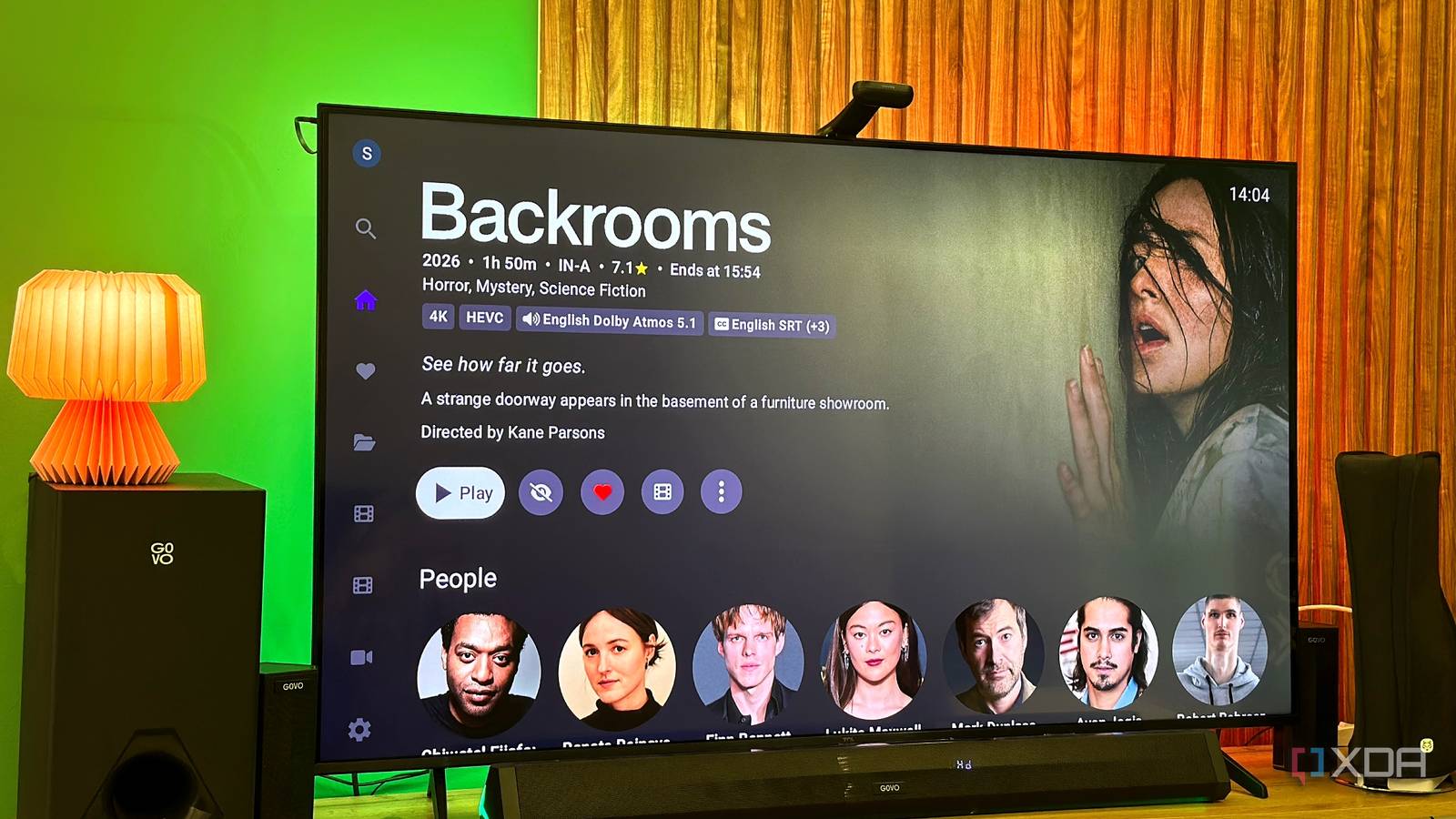
Published Aug 28, 2026, 3:00 PM EDT Gaming has been Samarveer’s greatest passion, and the Literature graduate in him takes immense joy in dissecting games for their themes, messages, and impact. Samarveer holds a deep appreciation of gaming, and considers the platform to be the most immersive and impactful across all media. He can be found engaging with gaming communities online, always ready to debate the finer points of ray tracing or itching to write an 8-page collegiate thesis on any game that impacts him emotionally. Ever since I caught the self-hosting bug a year ago, I've spent enough time tinkering with Jellyfin to realize that its biggest improvements are not buried deep in its settings. Of course, it's impossible not to notice that using a self-hosted media server feels different from simply opening an app and pressing play. However, small hiccups are the name of the game when it comes to free and open-source software. Thankfully, Jellyfin has let me change things almost completely, either through obvious settings I'd overlooked or other features that I never realized could do so much to make the experience smoother and more premium. Open Subtitles took the subtitle hunt out of the equation I can't remember the last time I downloaded an SRT file manually While not a native Jellyfin setting, the Open Subtitles plugin has been an absolute boon. Since it's considered a core community feature and is a one-click installation on the server dashboard after any clean install, it may as well be a toggleable feature at this point. Using Open Subtitles, I've genuinely stopped looking for SRT files, wondering which one to download, or going through the usual trial-and-error to find the right subtitles with the right sync. I even tried to let my new best friend PotPlayer do the work, since it has on-the-fly subtitles from audio in real-time using the Whisper engine, but it barely gets the job done when proper nouns are involved, which is really any piece of media. With Open Subtitles, my media server automatically downloads subtitles for my movies and TV shows, and it hasn't produced incorrect or missing subtitles so far. It's also got support for multiple languages, and I rest assured knowing that I can always manually download the right file if the plugin were to ever run into a problem finding it, which thankfully it hasn't done yet. The best part is that I or anyone using my server across a multitude of devices can open a movie and press play without thinking about subtitles at all. Automatic library scanning means I stopped babysitting Jellyfin My library updates itself while I get on with my life Automatic library scanning has been just as effective at making my Jellyfin server feel like a proper streaming service, because while I install and maintain plugins and connect it all to an Arr stack, I don't have to refresh or rescan my entire media library constantly. This might sound like a minor convenience at first, but wait until you actually build a sizable library. When new movies and TV episodes are arriving regularly, manually triggering scans genuinely feels like clocking in for a second job. The day you add a new movie or TV series and comfortably sit in front of the TV only to find it missing, you'll regret not checking the Real Time Monitoring box. I'd rather have Jellyfin figure out that something has changed than remember to tell it. The result is one less bit of housekeeping between me and actually watching something. My Arr stack handles acquisition and organization; Jellyfin picks up new media; and I can open the app and find what I expect. Ultimately, the whole point of a media server feeling "premium" is to reduce manual housekeeping on my end, which is exactly what real-time library monitoring achieves. Hardware transcoding stopped my CPU from doing all the heavy lifting My GPU now deals with the streams my friends throw at it Hardware transcoding might feel like the first thing everyone and their dog mentions while talking about Jellyfin, but that's only because it truly is as useful as they say it is. Ever since I began using Tailscale so my friends and family members can stream their preferred media off my server, it has become considerably more important. Different people are watching on different TVs, phones, laptops, and tablets, and not every client can play every file my server hosts. That's where Jellyfin's free hardware transcoding setting truly earns its keep. My PC's CPU doesn't have to decode and re-encode everything whenever Jellyfin needs to convert a stream, because Jellyfin offloads the workload to my 12GB VRAM GPU. The GPU is purpose-built for this sort of parallel video processing, too, so it can easily chew through multiple transcoding jobs without turning my entire server into a space heater. Someone can request a movie from an incompatible device, Jellyfin can convert it on the fly, and my server barely breaks a sweat. For a remotely accessible library with multiple users, this sort of feature is pretty much a necessity rather than a nice-to-have that a commercial service like Plex would charge you for. HDR-to-SDR tone mapping saves my library from looking washed out HDR content doesn't always land on an HDR screen It wasn't until I started letting other people stream from my server that I truly began appreciating HDR-to-SDR tone mapping, which Plex makes you pay for, by the way. My own setup with an OLED monitor and a 4K Mini-LED TV can handle HDR content just fine, but that's not particularly useful when the person watching it is sitting in front of an old laptop or a TV that's never even heard of HDR. Without proper tone mapping, HDR content can look flat, dull, and horribly washed out when it's converted for an SDR display. Jellyfin's tone mapping essentially handles that conversion on the server, mapping the wider brightness and color range of HDR content into something an SDR display can actually reproduce. The server doing all this ugly work in the background ensures I never have to maintain separate SDR and HDR versions of the same movie just because someone might watch it on an older screen. This feature has proven remarkably useful for my friends and family. Since I have no idea what screen they're going to use next, HDR-to-SDR tone mapping prevents them from wondering why their movie looks like it's been dipped in gray paint. Offline downloads make the mobile app feel premium too I can take my own library with me Offline downloads in the official Jellyfin mobile app don't require a plugin because they're a native feature, and they're easily one of the features I appreciate most while traveling. I tap a single download button on my phone or tablet, and Jellyfin saves the movie or TV episode locally so I can watch it offline. Offline downloads are the sort of feature I've come to expect from paid streaming services. Even Netflix and Prime Video impose limits on downloads depending on the plan or content, whereas Jellyfin doesn't impose an arbitrary quota on how much of my own media I can take with me. Netflix ad-supported plans allow a maximum of 15 total downloads per device per calendar month. It's a small feature, but it sure gives my Jellyfin server a premium feel. I'm using a free, open-source app to download movies from my own server onto my own phone, then watching them wherever I happen to be. Jellyfin iOS compatible Yes Android compatible Yes Desktop compatible Yes Jellyfin is one of the best Plex alternatives you can get, and that's thanks to its open-source nature and powerful set of features. There are apps for basically every platform and it's completely free to run your very own server. The best part of self-hosting is forgetting you're doing it For most of my time self-hosting, I've derived satisfaction from knowing how everything works behind the scenes and pulling all the right strings. Now, however, it comes from not having to think or worry too much about any of it. I still enjoy tinkering, breaking things, fixing them, and trying a new plugin, but that isn't why I keep coming back to Jellyfin. The real payoff is when the machinery disappears, and the experience takes over. That's the point when I open an app, pick something to watch, and press play without thinking about containers, plugins, network tunnels, storage drives, or GPUs. For something I built myself, that's about as close to the convenience of a premium commercial streaming service as I could ask for.
5 Jellyfin settings I changed to make my self-hosted server feel more like Netflix
Full Article
Original Source
Read the full article at Xda-developers →KhanList aggregates and links to publicly available news content. We do not host full articles from third-party sources. Always verify important information with original sources.