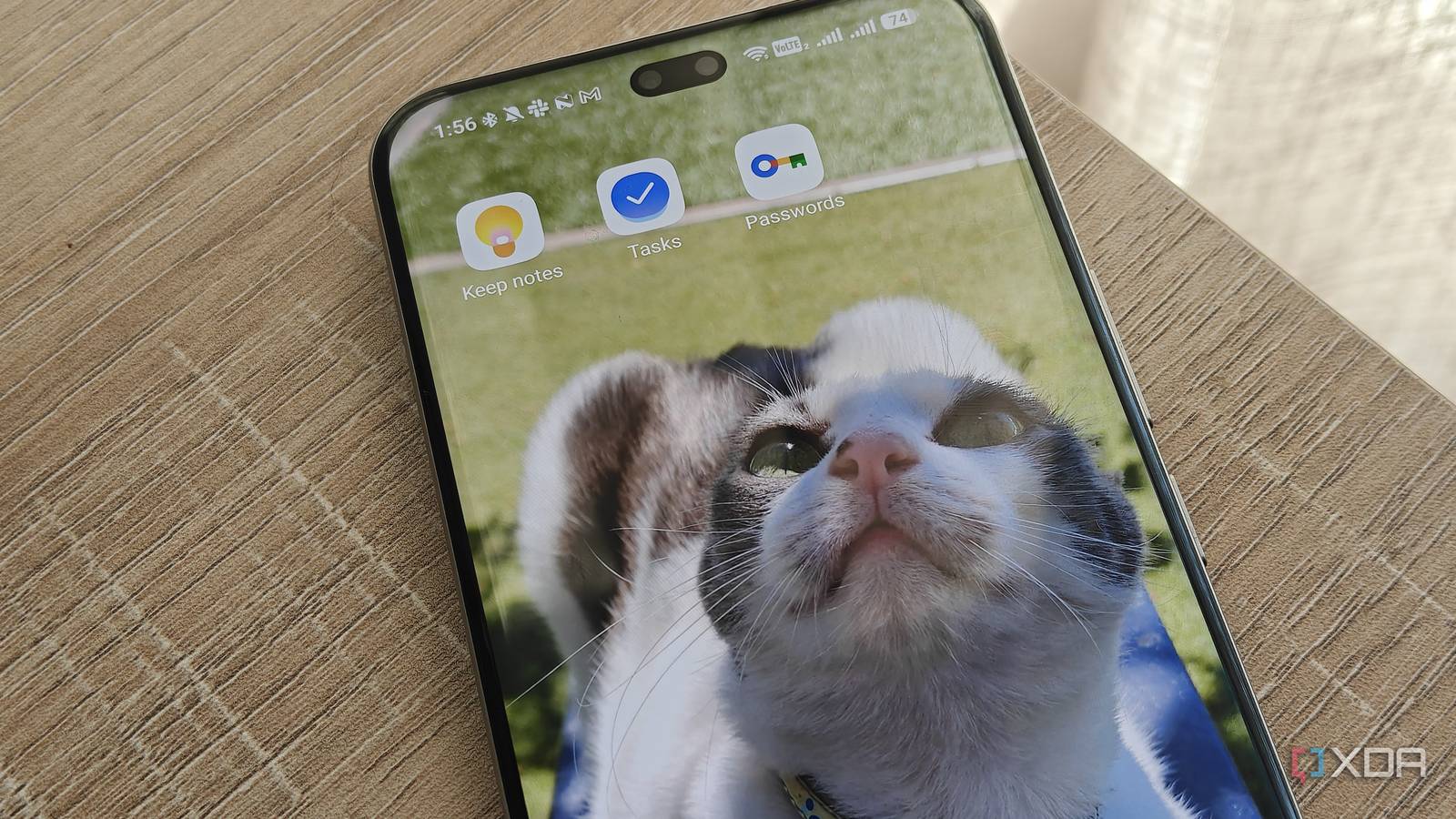
Published Aug 15, 2026, 7:00 PM EDT Megan is a Software Writer at XDA Developers who has been writing about consumer technology since 2016. With a postgraduate degree in New Media journalism, she has always been passionate about diving deep into topics and writing about them in a way that makes them easier to understand for everyday consumers. She runs her own blog called Tech Valkyrie and has contributed to Tom's Guide and Android Authority. She also worked at MakeUseOf as a Lead Editor. In her spare time she plays video games and geeks out about the latest tech. Google has some pretty great free apps, which is why I used to go all-in on the company's ecosystem. While I'm still firmly entrenched in apps like Google Calendar and Gmail, I've also started replacing certain Google apps on my devices as I've found better alternatives. Sometimes these apps offer better privacy; other times, they simply offer a better experience. As a result, these are the Google apps I now replace on all my Android phones, and the alternatives I use to replace their functionality. Chrome Brave is my browser of choice Chrome was the first Google app I replaced on my smartphone. My first motivator was needing an app that could force dark mode on web pages without fiddling with flags. But when I chose Brave as Chrome's replacement, it had other benefits too, including a built-in ad-blocker. Brave's privacy-focused nature also curbs online tracking. Using the app encouraged me to try out its own search engine, Brave Search, which ended up replacing Google Search for me. I had grown tired of Google's forced AI features and sponsored results. My mobile browsing experience has improved greatly since the switch. I'm no longer plagued by intrusive pop-ups that obscure website content, and I don't feel like my every move online is tracked. OS Android, iOS, Linux, macOS, Windows What's included? VPN, Built-in AL Assistant The Brave browser is made for the more privacy-conscious users, with a built-in VPN and ad blocker. It's also light on resources, making it great for use while gaming and multitasking. Google Keep Notesnook offers a more private solution for free For years, I relied on Google Keep for quick notes, checklists, and anything I needed to write down. But managing these many items became unwieldy, and I started getting overwhelmed by the app's lack of organizational features. I switched between a variety of note-taking apps, especially privacy-focused ones. But itwas only when I found Notesnook that I settled on something to replace Google's offering. While Notesnook doesn't have a sticky notes view, its free cross-device syncing and rich text editor make it a great option for me. It has expanded the types of notes I can keep. I can write down everything I used to store in Google Keep, but also add article drafts, comparison tables, and more thanks to its rich text editor. It also lets me easily add media to my notes, so I can attach relevant documents or images. Thanks to its end-to-end encryption, I also know that my notes stay private. Notesnook Notesnook is a privacy-focused, open-source note-taking app that is also feature-rich. Google Tasks TickTick does things better It's easy to become reliant on Google Tasks, especially since it integrates with Google Calendar and Gemini. However, I've found that the app is too simple for reminders and tasks. Whenever I add a task, it invariably gets dismissed and then rots in my inbox until I forget about it completely. While I've tried a variety of to-do list and reminder apps over the years, TickTick is my app of choice. It allows me to snooze reminders instead of simply dismissing them, so it's persistent enough to actually get me to complete a task. Some items still get neglected because of my chronic procrastination, but the app sends me a daily reminder to remind me there are still things that need to be done. At the same time, it doesn't overwhelm me. I like that it lets me easily dump a task in my inbox with no due date, set recurring reminders, and set up location-based reminders. My only real criticism is that I wish it were as easy to use as Samsung's Reminders app. I've paired TickTick with a self-hosted app for my chores because I found that splitting my tasks between two apps helps me stay more productive. TickTick TickTick is a powerful to-do list app with a ton of premium features. Google Password Manager I adore Proton Pass I relied on Google Password Manager for years since it was the simplest solution available. It's built into Chrome and my Android phone, so saving credentials was seamless. However, last year I decided to switch to a standalone password manager with zero-knowledge encryption to better safeguard my passwords. I settled on Proton Pass because of its open-source nature and the rich features available on its free plan. Another benefit of Proton Pass is that it doesn't require me to use a particular browser or OS — it's fully cross-platform. Now, whenever I set up an Android phone, I set Proton Pass as my autofill option and save any new credentials to the password manager. Proton Pass Individual pricing $4.99/month Key highlights hide-my-email aliases, open-source Platforms Windows, Linux, macOS, iOS, Android, Chrome, Safari, Firefox Proton is a password manager from the highly popular Proton Team, who else develops Proton Mail and Proton VPN. Google Weather I use Breezy Weather instead The Google Weather experience isn't a standalone app, but a service in the Google app. You can use it to search for local weather results and receive notifications about forecast trends over the next few days. However, Google has stripped back the weather experience. Tapping the forecast no longer takes you to a separate page with detailed weather forecasts; instead, it performs a Google search. You can create a home-screen shortcut, which makes accessing this service easier. But even before Google cut back its weather experience, I started looking at other apps as an alternative. I had noticed that Google Weather didn't predict the weather as accurately as some other offerings, including Samsung Weather. It also didn't show important data I wanted, including air quality. However, I also wanted a weather app I could use on any device. I eventually settled on Breezy Weather. The app offers great customization, letting you choose your forecast provider. You can also choose which badges appear on the app's main screen, which lets you highlight the data that matters most to you. The only catch is that it's not available on the Google Play Store, but you can download it from GitHub or F-Droid. Breezy Weather Breezy Weather is an extremely customizable, open-source weather app that allows you to choose your forecast provider. Google's apps aren't necessarily the best options If you love your Google apps, then go ahead and keep using them. But if you've grown dissatisfied with the experience or are curious about what else is out there, then I recommend trying out some of these alternatives. They're cross-platform and free, so you can use them on whichever Android device you choose without getting locked into a particular brand's ecosystem.
5 Google apps I replace on every Android phone, and what I use instead
Full Article
Original Source
Read the full article at Xda-developers →KhanList aggregates and links to publicly available news content. We do not host full articles from third-party sources. Always verify important information with original sources.