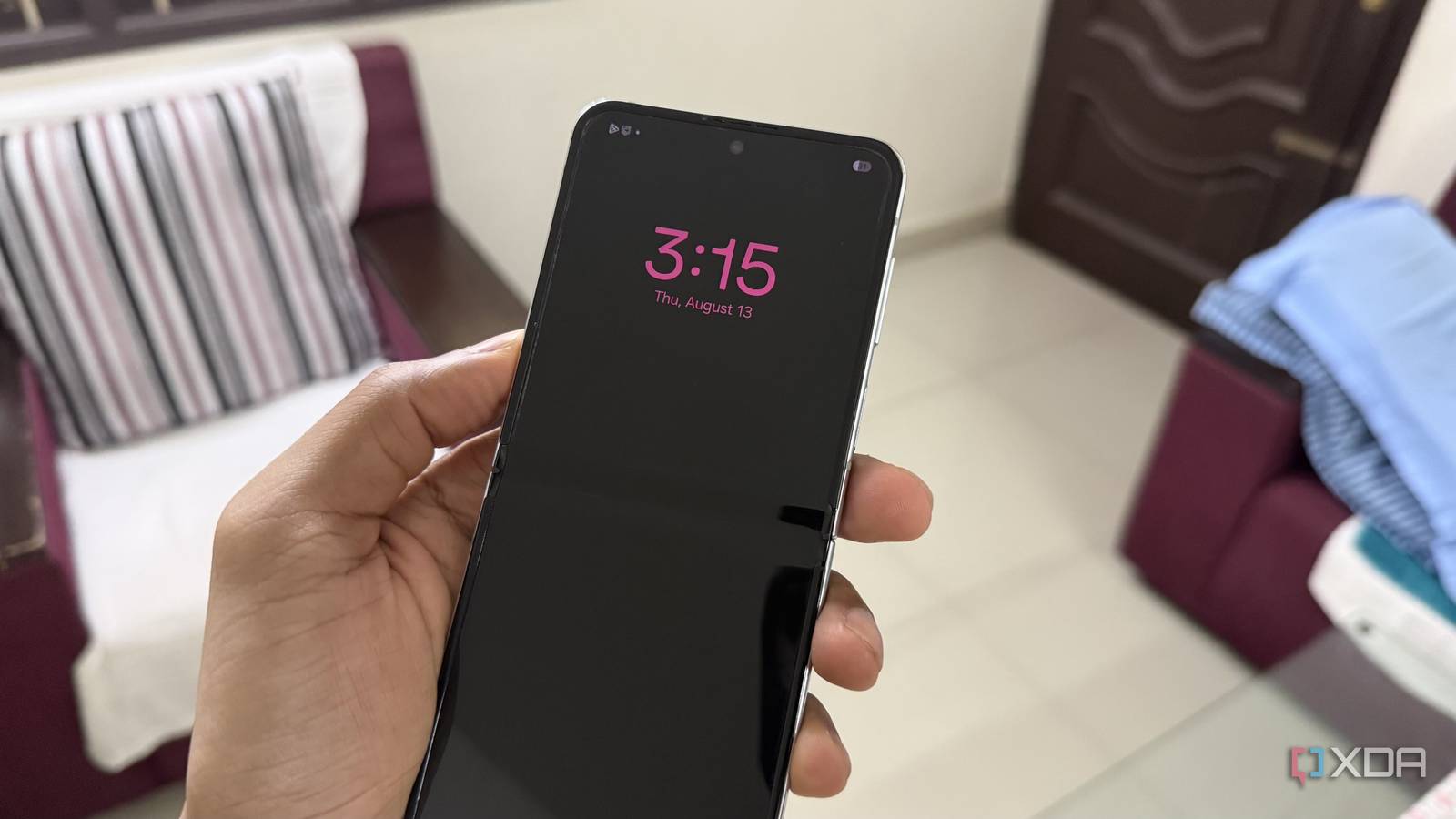
Published Aug 19, 2026, 2:30 PM EDT Hamlin has been in the tech field for over nine years. Since 2017, his work has appeared on MakeUseOf, Android Police, OSXDaily, Beebom, and more. He served as the Senior Editor at Valnet's MakeUseOf for over two years before joining XDA. He uses a high-end gaming rig for desktop use and a MacBook for traveling, but dislikes some of the quirks of macOS. You're more likely to catch him at the gym or on a flight than anywhere else. As someone who has been using the Samsung Galaxy Z Flip 5 for the past three years, I can say with 100% confidence that the battery doesn't last nearly as long as it used to. So I've been trying everything I can to make my phone last a little longer without carrying a power bank wherever I go. Of course, disabling a single feature won't suddenly make your phone last an hour longer, but a few small changes add up to a noticeable difference over the course of a day. From obvious ones like Always On Display to features that keep running in the background but I almost never use, I was glad that none of these changes really affected the way I use my phone. Always On Display was the first to go I don't need part of my screen awake all day I'm not going to act like Always On Display is pointless. I've used it to look at the time, glance at notifications, and even quickly check my battery percentage without waking my phone. It is convenient when my Z Flip 5 is sitting on my desk while I'm writing articles or playing games on my PC. But that's about as far as its usefulness goes for me. Most of the time, if it's an important notification, I'm going to pick up my phone and unlock it anyway. And it only takes an extra second to tap and wake the screen. Even though I know Samsung has optimized AOD to use very little power, my phone is still going to use less battery without this feature. That's why I've disabled it by heading to Settings -> Lock screen and AOD -> Always On Display. RAM Plus is for those running low on RAM, not me 8GB on my Z Flip 5 isn't much, but I'm not a power user either With most high-end Android phones shipping with 12GB of RAM these days, you'd think that my Z Flip 5's 8GB of RAM wouldn't be enough. And that'd be true if I were a power user. I just use my phone to check emails, text friends, watch YouTube videos, and doomscroll on Instagram. For that, 8GB of RAM is still more than enough, and I genuinely can't remember the last time I wished my phone had more. RAM Plus works similarly to the paging file on Windows. When you're running low on RAM, One UI can use some of your storage as virtual memory to keep more apps open in the background. Since I haven't really noticed my phone running low on RAM anyway, I don't see the point in leaving it enabled. So I toggled it off in Settings -> Device care -> Memory -> RAM Plus. For me, the battery improvement was minimal, but results may vary depending on how you use your phone. Battery protection doesn't suit my schedule I'd rather wake up to 100% instead of 80% This might sound controversial because Battery protection is a feature that's supposed to help preserve your phone's battery health in the long run. While I agree that keeping your battery at 100% for extended periods can reduce its lifespan, I'd rather have extra capacity when I need it than deliberately start my day at 80%. Sure, the sleep-time protection setting would still let my phone charge to 100% shortly before I wake up, but that only works if One UI can actually predict my sleep schedule. Mine is all over the place. Some days, I wake up at 9 AM; other days, I wake up at 11 AM. If I need to be somewhere earlier than usual and my battery is still at 80%, my phone won't make it through the day. So you see why I've disabled it. You can turn it off from Settings -> Battery -> Battery protection. Nearby device scanning isn't something I benefit from I rarely ever connect other devices to my phone anyway Nearby device scanning periodically scans for compatible devices nearby and lets you know when there's something you can connect to. That's convenient if you constantly pair new accessories with your phone, but the only accessory I use with my Z Flip 5 is my pair of wireless earbuds. And since they're already paired, they connect automatically just fine without Nearby device scanning. Turning this feature off doesn't mean you can't connect a new Bluetooth device. You can still head into your Bluetooth settings and pair them like you normally do. Really, the only thing you're missing out on is that initial convenience, and I'm perfectly fine giving that up. The last thing I want is a feature scanning in the background and consuming battery, which is why I've disabled it from Settings -> Connections -> More connection settings -> Nearby device scanning. At this point, every little bit of battery I save helps Before you make any assumptions, my Z Flip 5 still doesn't last as long as it did on day one, and that's expected at this point. I'd need a battery replacement to get that back. But until I'm ready to shell out $100 for that, I'm fine squeezing whatever extra battery life I can with these tweaks. Even if it's an extra 30 minutes at the end of the day, I still see that as a win. After all, it could be the difference between making it home with some charge left and having my phone die when I need to make an urgent phone call.
4 Samsung Galaxy features I disabled to dramatically improve battery life
Full Article
Original Source
Read the full article at Xda-developers →KhanList aggregates and links to publicly available news content. We do not host full articles from third-party sources. Always verify important information with original sources.