
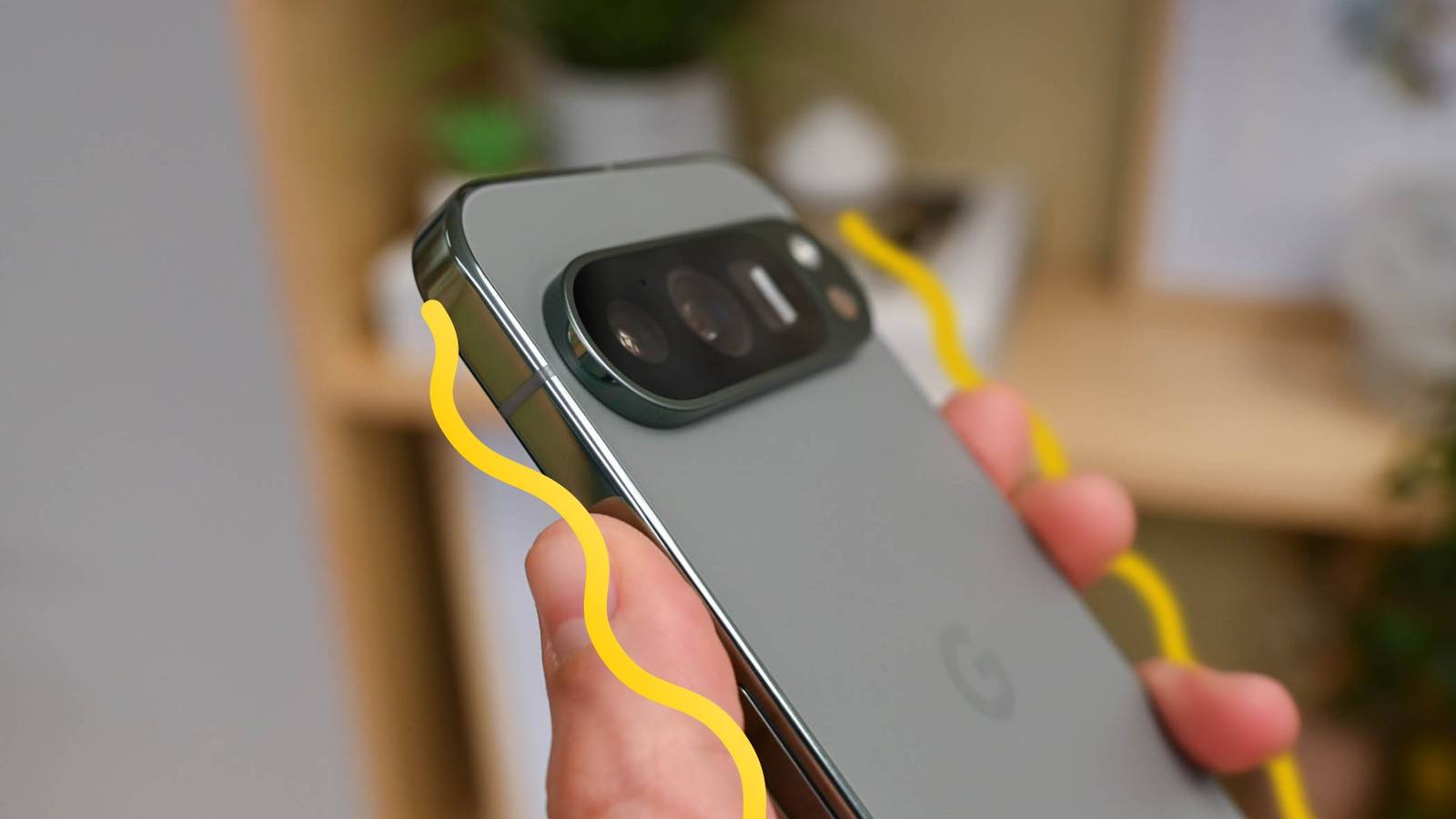
Published Nov 24, 2026, 6:30 AM EST Joe Fedewa has been writing about technology for over a decade. Android and the rest of the Google ecosystem have been a focus for years, as well as reviewing devices, hosting podcasts, filming videos, and writing tutorials. Joe loves all things technology and is also an avid DIYer and food blogger. He has written thousands of articles, hundreds of tutorials, and dozens of reviews. Before joining How-To Geek, Joe worked at XDA-Developers as Managing Editor and covered news from the Google ecosystem. He got his start in the industry covering Windows Phone on a small blog, and later moved to Phandroid where he covered Android news, reviewed devices, wrote tutorials, created YouTube videos, and hosted a podcast. From smartphones to Bluetooth earbuds to Z-Wave switches, Joe is interested in all kinds of technology. After several years of jailbreaking and heavily modifying an iPod Touch, he moved on to his first smartphone, the HTC DROID Eris. He's been hooked ever since. Google is notorious for abruptly ending apps and services that people love. The same thing has happened with Pixel phones over the years. It seems that every new generation means saying goodbye to a few features. Here are the four that I miss most. I’ve been a Pixel phone owner for eight years, so I’ve personally used most of the features Google has removed. Some were short-lived gimmicks that I didn’t care much about, but the absence of others is still felt today. Let’s take a look back. Photo Sphere We still don’t have a good replacement Credit: Joe Fedewa / How-To Geek Photo Sphere was a special camera mode — just like Portrait or Panorama — that enabled taking full 360-degree photos. The camera app would guide you through the process of capturing as much of the scene as you wanted, then stitch all the photos together. Photo Sphere mode was super easy to use, and the results were impressive. I used it many times to capture moments that I wanted to relive in a more immersive way. People could also upload Photo Spheres to Google Maps, and it’s awesome to be able to use these to get a feel for an area. The feature was introduced all the way back with Android 4.2 Jelly Bean on the Nexus 4, but it died with the Pixel 8 series in 2023. What makes matters worse is that there are very few, if any, worthwhile third-party replacements in the Play Store. Rear fingerprint sensor Nothing has been better don’t @ me A couple of months ago, I wrote about how foldable phones have the best fingerprint scanners because they don’t use in-display tech. And while a power button fingerprint scanner is nice, rear-mounted scanners are still unbeatable. The Pixel 5 was the last with this hardware feature. It’s no coincidence that the Pixel 5 is also one of my all-time favorite Pixel phones. A fingerprint scanner on the rear just makes perfect sense. When you hold a phone, your fingers are naturally touching the back. I loved how easy it was to find the scanner with my finger as I pulled the phone out of my pocket. I barely ever saw the lock screen, and it didn’t require insecure Face Unlock or Extend Unlock to do it. Active Edge I want more buttons One of the things that smartphones in general have lost over the years is physical buttons. Whether or not you like their intended purpose, on Android, a physical button has the potential to be remapped to do whatever you want. That’s what people did with “Active Edge” on the Pixel 2, 3, and 4. Active Edge was a feature that worked with pressure-sensitive points along the lower edges of the phone. You could physically squeeze the phone to activate shortcuts. The Pixel’s default shortcut was Google Assistant, but it was easily remappable with third-party apps. Nowadays, Pixel phones have “Quick Tap” — shortcuts activated by tapping the back of the phone. It’s a nice idea, but I’ve never found it very useful in real life. The gesture is too fussy, and it lacks the physical feedback of Active Edge. Unlimited original-quality Google Photos backup It was too good to be true Google has tried to give the Pixel series exclusive features that people actually want. It’s best idea, though, was apparently too good. The original Pixel included a pretty awesome perk: free, unlimited photo and video backups to Google Photos in original quality. This perk essentially turned Google Photos into your own personal server. Every cloud storage service offered a few gigabytes of free storage, but Google’s unrestricted offering was unheard of. People who take a lot of photos and videos can easily eat up hundreds of gigabytes in a year. Google seemed to have realized just how good this deal was pretty quickly. The Pixel 2 only had unlimited original quality until a specific deadline. The Pixel 3, 4, and 5 only had unlimited storage under the “Storage Saver” setting, which scales down photos above 16MP and videos above 1080p. Nowadays, Pixel phones don’t include any Google Photos perks. That’s why people are still buying used original Pixel phones and using them as dedicated Google Photos servers. It’s an interesting storage hack. The circle of smartphone life Unfortunately, dropping old features in favor of new ones is a reality of the yearly upgrade cycle. If a company determines that not enough people are using a feature, it doesn’t want to spend any resources on maintaining it. New features are new opportunities to bring in customers, and that’s always going to be more important.
4 Pixel features I wish Google hadn't abandoned
Full Article
Original Source
Read the full article at Howtogeek →KhanList aggregates and links to publicly available news content. We do not host full articles from third-party sources. Always verify important information with original sources.