
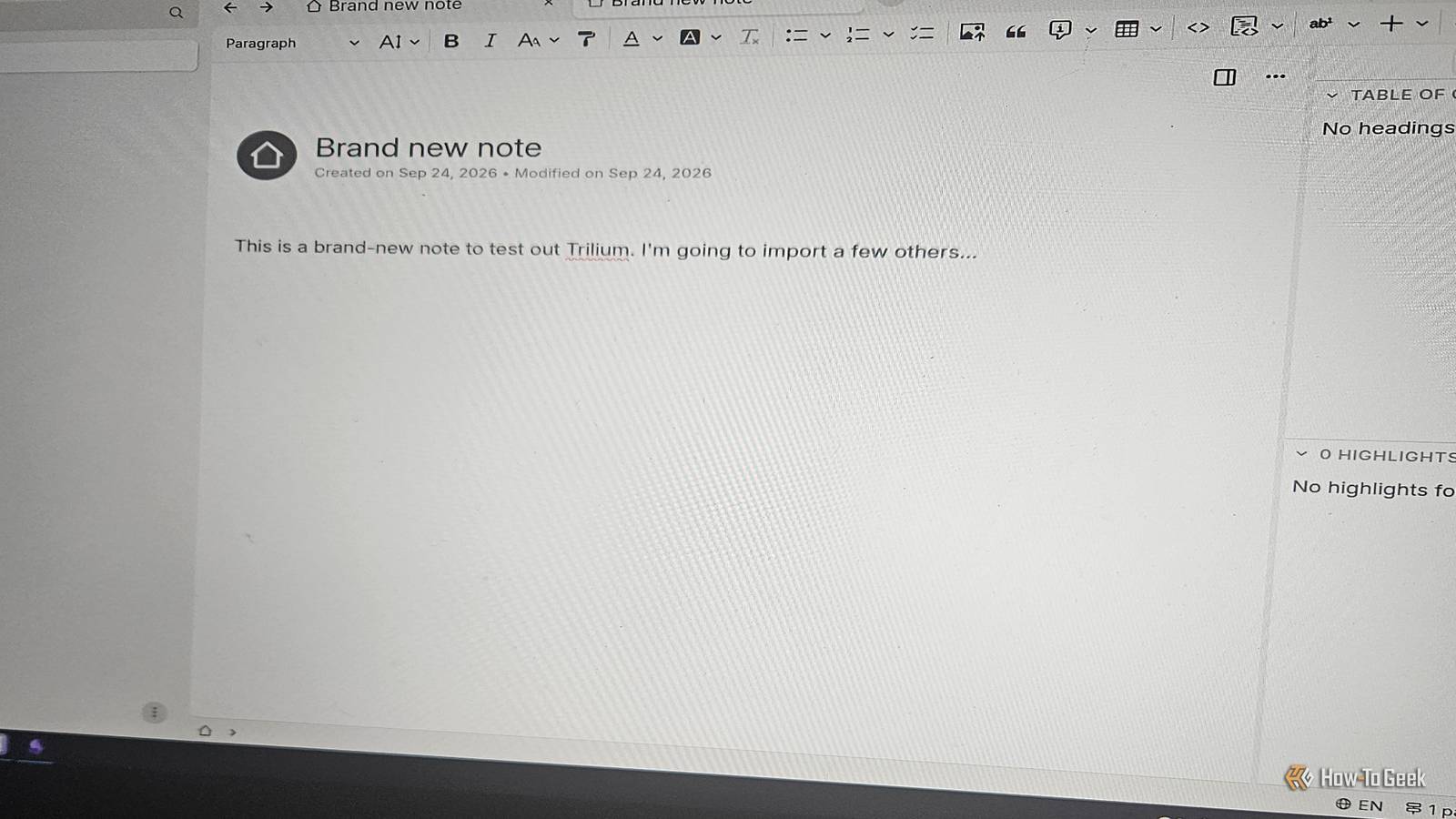
Published Sep 29, 2026, 7:00 AM EDT Former radio and TV guy (I Heart Radio and PBS). Now a writer, researcher, and musician who writes about the absurdity of our modern world and other offbeat topics. Specializes in weird music, the old web, retro video games and tech, and researching strange, yet interesting things. His work has appeared in Vice, Tedium, Star Trek.com, Today I Found Out, Typebar, SyFy Wire, and How To Geek. Currently working on a variety of music, web, and writing projects. Visit him on the web at https://djbuckfreelance.neocities.org/. Obsidian is one of my favorite apps. I use it to build Knowledge Bases, write articles, take notes, and learn as much as I can. It's pretty versatile. It works well, but I don't pay for a premium subscription. Instead, I will either email my notes in MD (Markdown) format to myself, transfer them directly from the device via USB, or sync them using Syncthing inside Termux and a special folder on my desktop computer. But that seems like a lot of work to merely sync some files. So, I found two excellent alternatives that let you self-host your syncing without an insane workaround like mine. A solution to the syncing problem No more workarounds for syncing a knowledge base One could say the simplest way to sync an app like Obsidian without a workaround is to pay for the syncing service. Now, you can do that if you want. But sometimes you can get your tools to sync, for no additional cost, by hosting the app yourself. No one wants to deal with an insane workaround just to sync their notes. Syncthing is pretty easy to use for the most part. But not everyone has the time or ability to use it for syncing Obsidian or Logseq (another note-taking app I love on Windows and Android) notes that way. But if you don't want to bother with it, or just want something simple, there are knowledge management tools (or note-taking apps, if you prefer) you can self-host that don't require you to get creative with syncing your files. Anytype A great open-source app that works out of the box Outside of Obsidian, I think AnyType is one of the best note-taking and list-building apps out there. While it lacks some of the functionality of Obsidian, it makes up for it in other ways. But it's worth mentioning here, as it's easy to host and sync your notes across PC and Android. AnyType is one of the most versatile, easy-to-sync knowledge base tools I've used. I won't go into how much I love it here (I covered that already), but it's so easy to sync without specialized tools and can be self-hosted, so I wanted to mention it here. AnyType has instructions for creating your own self-hosted AnyType server with AnySync. It’s incredibly easy to do. All you have to do is set up a Docker Compose file, spin up your container, and make sure your devices are on the same network. It only took me a few minutes the first time I did it, and I’ve been using it ever since. To sync your files across devices, click on the little globe icon above the note. It’ll show you which devices on your local network are available. In my case, I have a P2P device (my phone) on the same network as my PC. If you link the apps together, it should automatically sync when the AnyType app is updated. The entire process is extremely easy and seamless, from start to finish. Trilium A self-hosted note-taking powerhouse Trilium is an app I've been meaning to try for a while. Setup is easy, once again using Docker Compose. Once it loaded, I immediately liked the interface and the mix between a Markdown-friendly editor and a WYSIWYG editor. It's incredibly easy to add video, create new files, add links to a document, or write down code snippets in the Trilium Knowledge Base. I added a few of my existing notes, mostly music-related stuff since I'm just testing the syncing abilities at this time rather than building a fresh knowledge base. Syncing in Trilium is self-hosted, which is exactly what I'm looking for. I want to be able to build notes on one of my Windows and Android devices (or on my Linux PC) and sync them between each other. I downloaded the Desktop version of the app and installed it. Under Options -> Sync, you need to fill out a few sections. The first is the server address. This should be your host machine's IP address followed by the port assigned to the Trilium Docker container. But the trick is that you have to do this on the receiving device, not inside the host machine. Otherwise, it just thinks it's talking to itself. I was able to get Trilium to sync between Windows and Linux using this method, and plan to try it with an Android device soon, using the app TriliumDroid. Syncing doesn't have to be a chore Being able to sync your notes between devices should be something you can do right after a fresh installation. My Obsidian method works for me, but the other apps are admittedly easier to use. But that just isn’t the case sometimes. And while trying different methods might be fun, it gets annoying after a while. Self-hosting gives you a bit more power over your files and can be a great way to expand your knowledge base on your own terms.
2 Obsidian replacements that let you self-host without any ridiculous workarounds
Full Article
Original Source
Read the full article at Howtogeek →KhanList aggregates and links to publicly available news content. We do not host full articles from third-party sources. Always verify important information with original sources.